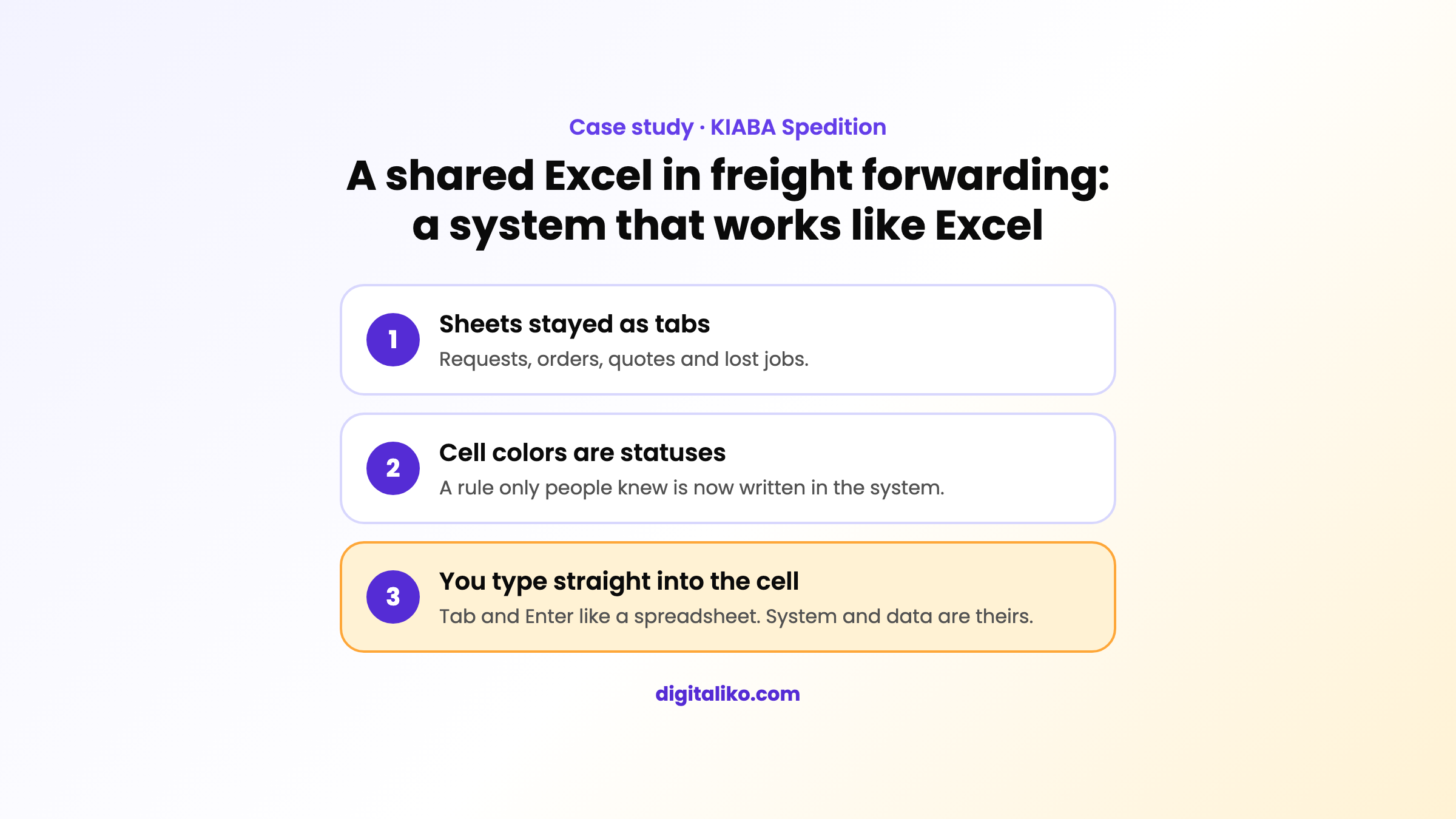
A shared Excel in freight forwarding: a system that works like Excel
Case studyCustom software, Excel replacement
The freight forwarder KIABA planned requests and orders in a shared Excel file. We built a system that works like their workbook and turned the rules hidden in cell colors into statuses.

KIABA SpeditionClient
How it started: the second step after the carrier search system · Duration: first version in April 2026, tuned with the team until June
Overview
KIABA is a freight forwarding company. We built and run iSPEDitér for them, a system for finding carriers.
The second step was harder. The dispatchers' daily work ran in one shared Excel file. Requests, orders, price quotes and lost jobs each had their own sheet. Excel worked. It just could not grow, and nobody could say where exactly the process was written down.
The challenge
The process did not live only in columns. It lived in colors too. A blue price meant approved, orange meant proposed, black meant an estimate. None of this was written anywhere. Only people who had worked with the sheet for years knew it.
The dispatchers did not want a new system. They wanted to type straight into the cell, as before. The owner wanted search across the whole history, not just active jobs. If we had built a "proper" system with forms, the team would have gone back to Excel.
What we did
We did not build by the textbook. We carried over how their Excel really works.
- Tabs at the bottom work like sheets: Requests, Orders, Price quotes, Lost.
- One click moves a record between tabs.
- Tab and Enter move the cursor like in a spreadsheet. You type straight into the cell, no pop-up.
- Empty rows wait at the end of the list, ready for typing.
- The whole row is colored by status. An urgent job turns red.
- Search covers the full shipment history. The owner wanted it as an internal search engine for the company.
For the owner we added an overview with alerts. When everything is fine, the overview is empty.
What we said no to
One dispatcher wanted to pick the price color by hand. We said no. The color follows the job status. If anyone could change it, the sheet would start lying again.
We did not build invoicing into the system, even though we could have. It stays in the accounting software the accountant uses. The system holds the order and a link to the invoice.
What went wrong
The first colors were too loud. The team said it looked like a rainbow. We matched them to their original Excel.
One code change accidentally removed the full row highlight. The dispatchers noticed right away. We brought it back.
The first owner overview raised too many alerts. It also counted customers who had sent one shipment years ago. We tied alerts to active customers only. The list is now one a person can get through in a day.
What changed
Rules that lived only in colors are now statuses in the system. A new person does not have to guess them. The team still works with the same moves as in Excel.
The system, the code and the data belong to the company. If KIABA ever chooses another vendor, it takes everything with it.
We describe how the first step started in the case study A system for KIABA dispatchers, not Excel.
What we delivered
- Board for requests and orders
- Excel-style controls
- Search across the full history
- Owner overview