Playwright vs Puppeteer for testing and scraping
For CTOs and engineersWeb scraping and crawlers · Updated

Filip PapranecFounder, Digitaliko
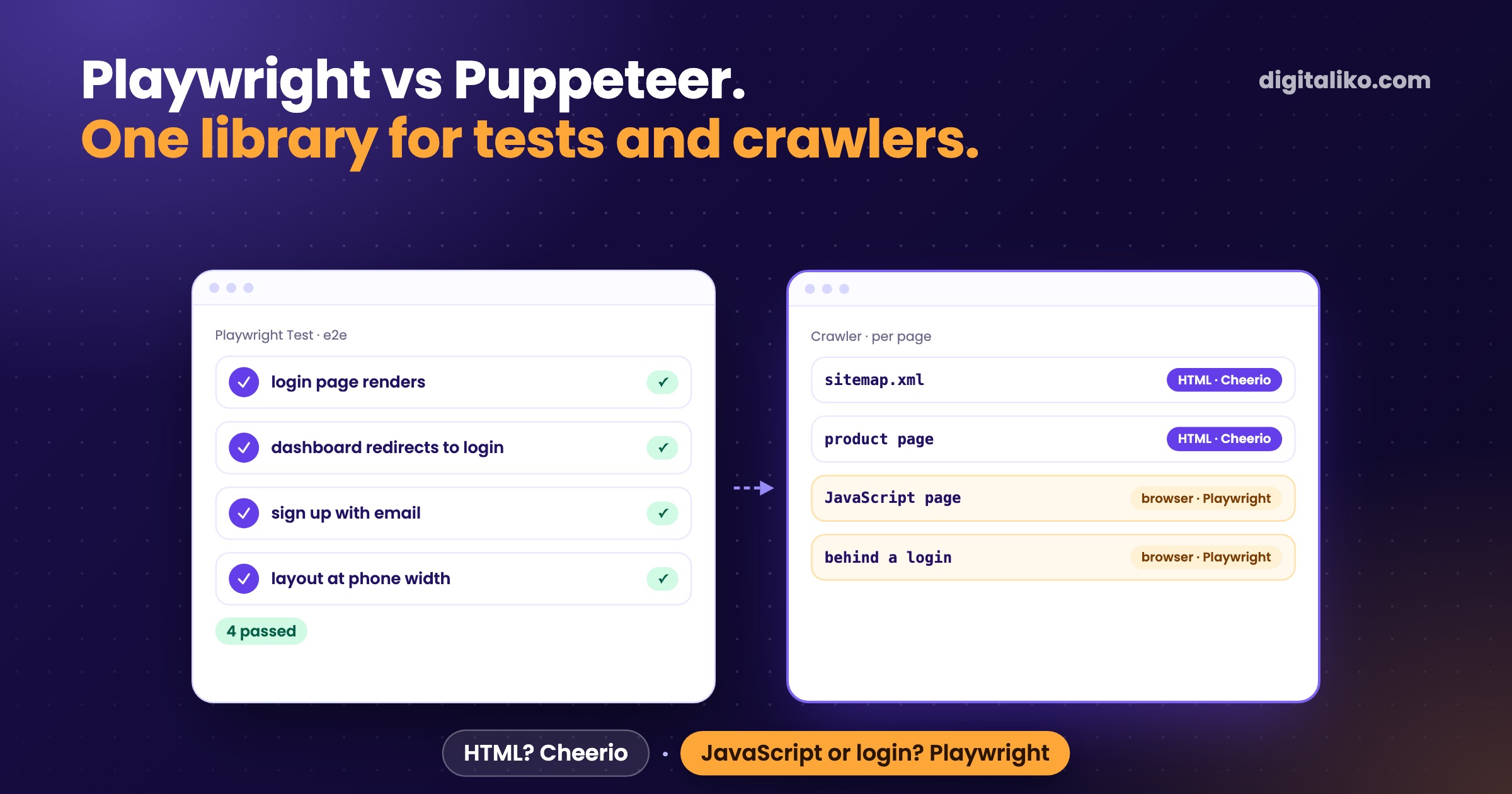
Playwright vs Puppeteer is a question about two jobs: testing and scraping. We use Playwright for both, for end-to-end tests, website audits and the crawlers that need a real browser. For new work we would pick Playwright, unless you only drive Chrome from a Node script and already have working Puppeteer code.
Honest limit first: Puppeteer appears in exactly one old project of ours, and we never ran the two side by side. So this article does not benchmark them. It shows what we run, why one tool was enough, and the decision that matters more in scraping: whether you need a browser at all.
What is the difference between Playwright and Puppeteer?
Both drive a real browser from code. They differ in reach. Puppeteer is "a JavaScript library which provides a high-level API to control Chrome or Firefox over the DevTools Protocol or WebDriver BiDi" (pptr.dev, retrieved 2026-10-24). Playwright "supports Chromium, WebKit and Firefox on Windows, Linux and macOS" (playwright.dev, retrieved 2026-10-24).
| Playwright | Puppeteer | |
|---|---|---|
| Browsers | Chromium, WebKit, Firefox | Chrome, Firefox |
| Languages | JavaScript/TypeScript, Python, Java, .NET (docs) | JavaScript/TypeScript |
| Test runner | Playwright Test, built in | none, bring your own |
| Waiting | locators that auto-wait | waitForSelector and similar, by hand |
| In Crawlee | PlaywrightCrawler | PuppeteerCrawler |
| Where we use it | e2e tests, audits, crawlers | one old project |
Sources for the table: the pages above and Playwright's migration guide from Puppeteer, all retrieved 2026-10-24.
The row that decided it for us is the test runner. One library that gives us both the browser and the test runner means one tool to learn, one browser install in CI and one set of selectors.
How do we use Playwright for testing?
In three places, from strict to loose.
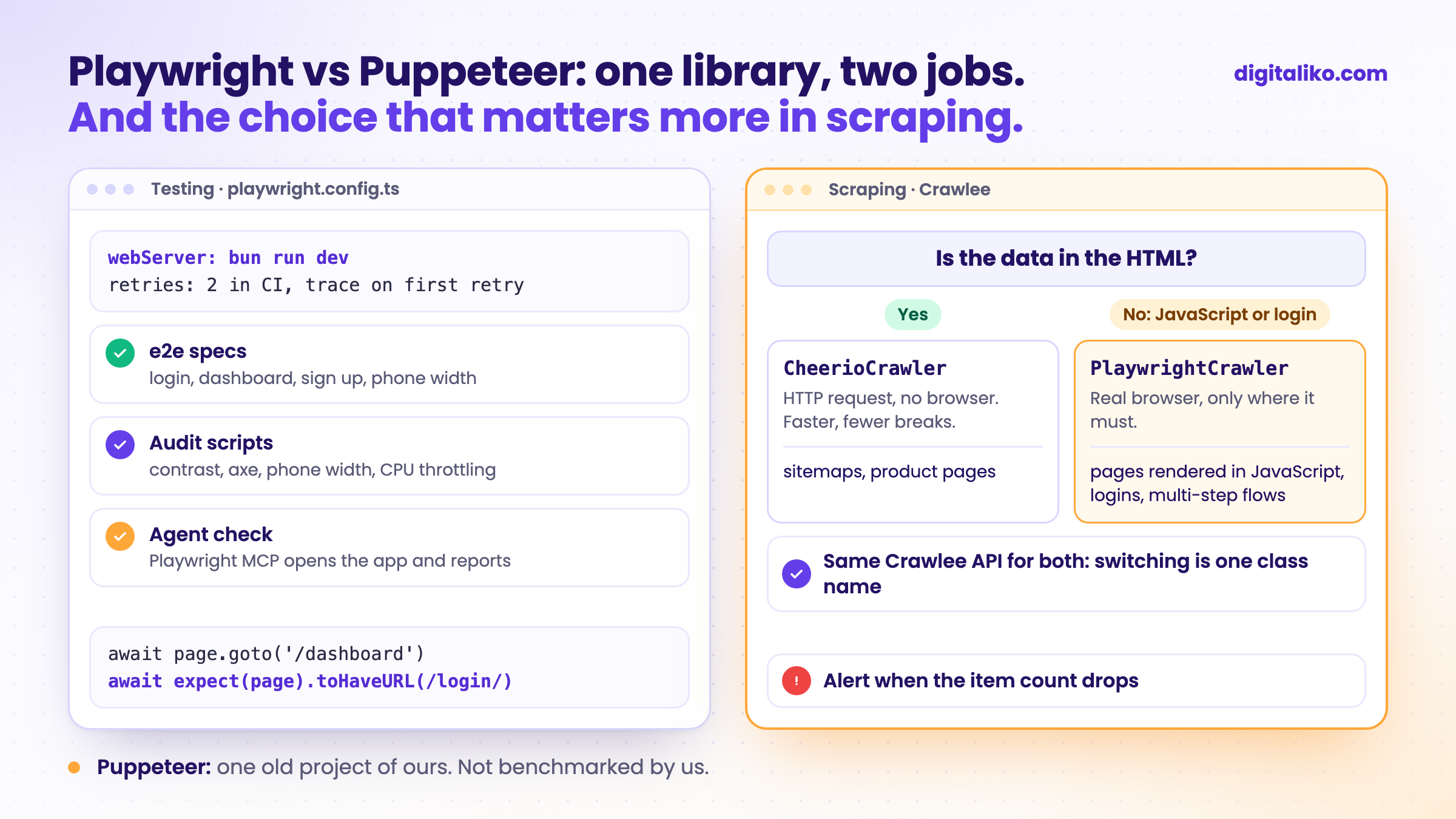
End-to-end tests. Our starter template runs Playwright Test against the dev server. The config, shortened:
// playwright.config.ts
import { defineConfig } from '@playwright/test'

export default defineConfig({
  testDir: './e2e',
  forbidOnly: !!process.env.CI,
  retries: process.env.CI ? 2 : 0,
  use: { baseURL: 'http://localhost:3001', trace: 'on-first-retry' },
  projects: [{ name: 'chromium', use: { browserName: 'chromium' } }],
  webServer: { command: 'bun run dev', url: 'http://localhost:3001', reuseExistingServer: !process.env.CI },
})
And one of the specs:
test('dashboard redirects to login when not authenticated', async ({ page }) => {
  await page.goto('/dashboard')
  await expect(page).toHaveURL(/login/)
})
No sleeps, no manual waits. expect(page).toHaveURL retries until it passes or times out. That is the part you would write by hand in Puppeteer.
Website audits. When we audited this site, the checks were plain Playwright scripts: text contrast from computed colours, axe accessibility rules, layout at phone width, load under CPU throttling. Throwaway scripts, not a test suite.
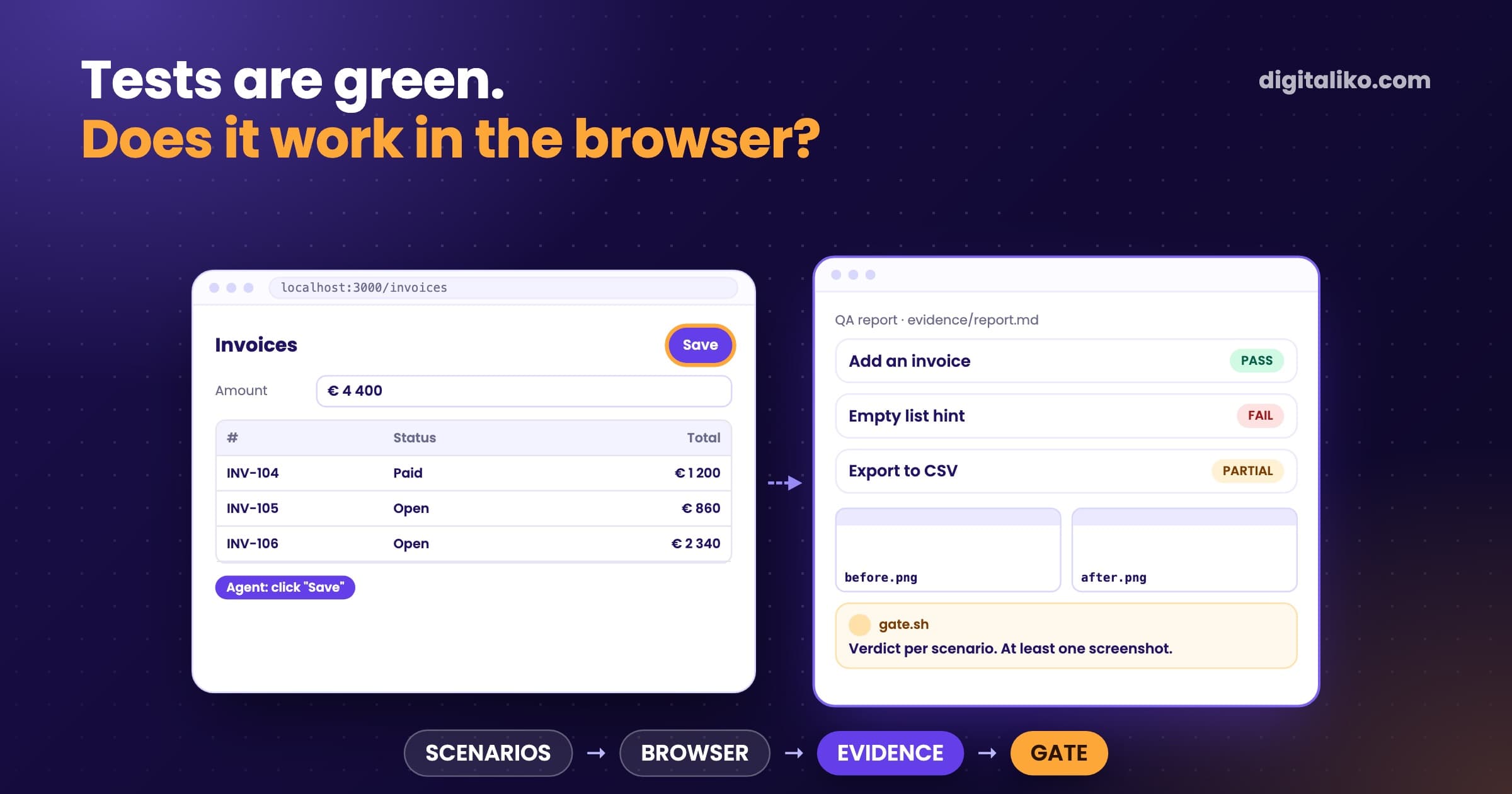
The AI agent checking its own change. The agent opens the app through Playwright MCP and reports what it saw. How that works is in Playwright MCP: let the AI agent prove it works.
How do we use Playwright for scraping?
Through Crawlee, which wraps both libraries. As its docs put it, "Crawlee comes with three main crawler classes: CheerioCrawler, PuppeteerCrawler and PlaywrightCrawler" (crawlee.dev, retrieved 2026-10-24). Swapping Puppeteer for Playwright there is mostly a class name. The real choice is the first class: HTTP or browser.
A production crawler of ours that has to walk through a JavaScript-heavy page uses PlaywrightCrawler, simplified:
import { PlaywrightCrawler } from 'crawlee'
import { router } from './routes.js'

const crawler = new PlaywrightCrawler({
  maxRequestsPerCrawl,
  requestHandlerTimeoutSecs: 360,
  navigationTimeoutSecs: 60,
  maxRequestRetries: 4,
  requestHandler: router,
  launchContext: {
    launchOptions: { args: ['--disable-gpu'] }, // GPU crashes in Docker
  },
})

await crawler.run(startUrls)
The crawler for a client's online marketplace has no browser at all. It reads sitemaps and product pages with CheerioCrawler, because the data is in the HTML. One client prototype mixes both: Cheerio for the public list pages, Playwright only for the steps behind a login.
How we decide, per page type:
01
Open the page with JavaScript off
Or fetch it with curl. If the data you need is in the HTML, you do not need a browser.
02
Check for a JSON request
Many JavaScript pages load their data from an API call. Calling it directly beats rendering the page.
03
Use Cheerio where you can
An HTTP crawler is faster, uses less memory and breaks less often than a browser.
04
Use Playwright where you must
Pages rendered in the browser, logins and multi-step flows get PlaywrightCrawler.
05
Monitor either way
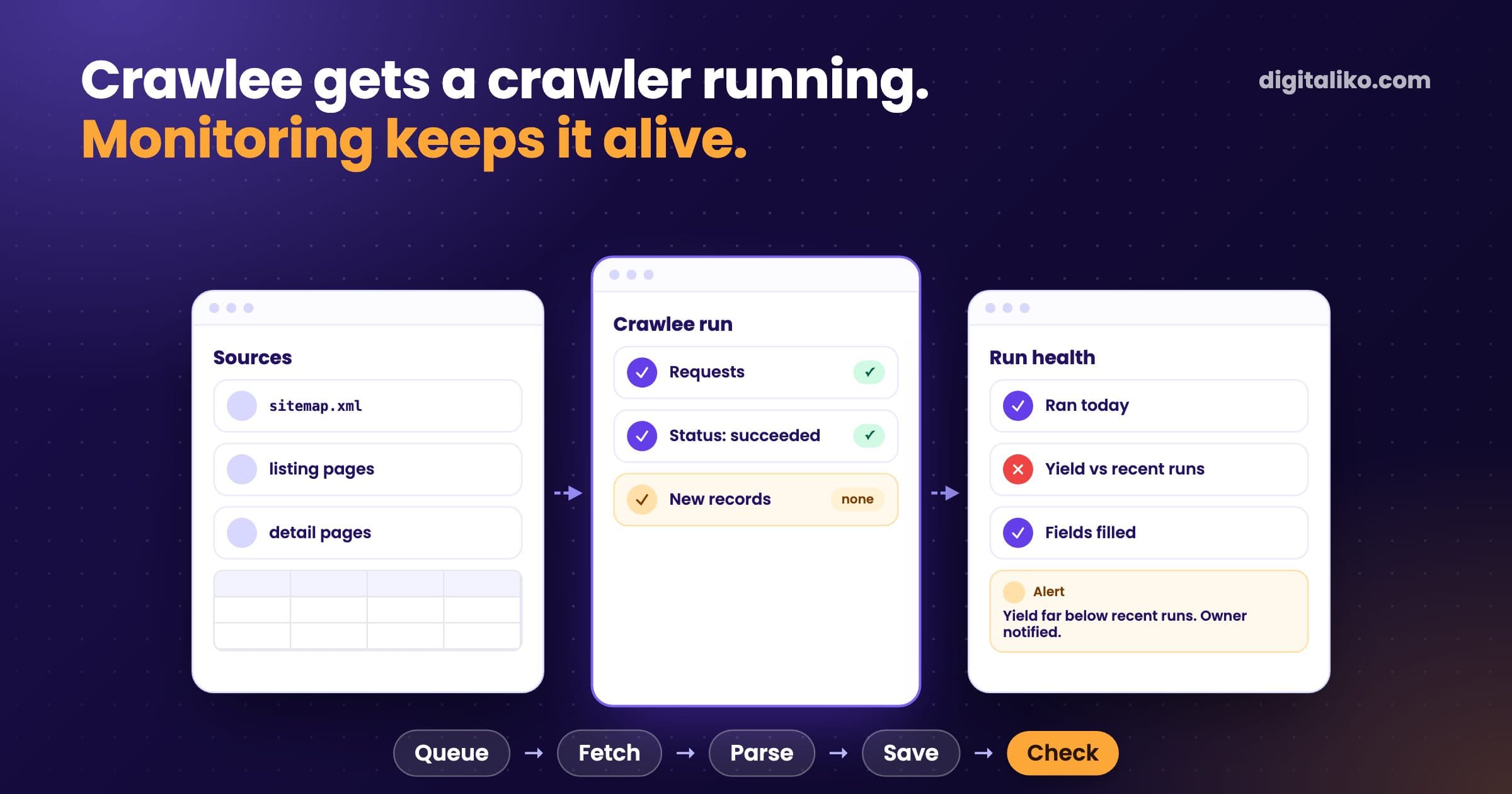
A crawler that stops quietly costs more than the wrong library. Alert when the item count drops.
The last step is not theory. When the marketplace crawler died in December 2025, monthly pageviews fell from 250,000 to 66,000 before anyone noticed. It was a Cheerio crawler, so the library was not the problem. The missing alert was. The whole story is in Crawlee for web scraping: what breaks in production.
Why did we never need Puppeteer?
Because every job we had was covered once Playwright was in the repository. Tests needed a runner, Playwright has one. Crawlers needed a browser only on some pages, and Crawlee gives us Playwright and Cheerio behind one API. A second browser library would have added an install, not a capability.
The APIs have similarities, but Playwright offers much more possibilities for web testing and cross-browser automation.
That line comes from the Playwright team, so read it as a vendor's view. For Chrome-only work, Puppeteer remains a sound choice.
When would Puppeteer be the better pick?
From what the docs say, not from our runs:
- You only need Chrome, from a Node script, and you already have Puppeteer code that works. Rewriting it gains little.
- You work close to the Chrome DevTools Protocol and want a library built around it.
- Your tests run in another framework already, and you only need a browser driver, not a runner.
If you also need WebKit, Python, or a test runner in the same tool, Playwright covers it. Playwright says most Puppeteer APIs "can be used as is" in a migration (guide), so the switch is usually small.
Playwright or Puppeteer: which one for your project?
Answer these before you choose. Each "yes" points to Playwright:
Need tests or a crawler that hold up in production?
We build automations and crawlers that run on their own and tell you when they stop, as part of business process automation. AI writes all of our code today, and a senior is accountable for the result. Since 2023 we have delivered 15+ production projects.
We get back to you within two business days, and together we pick what to fix first.
If you'd rather talk first, book a 15-minute meeting with Filip.
Which of your pages really need a browser?
In short
- Playwright drives Chromium, WebKit and Firefox and ships a test runner. Puppeteer drives Chrome and Firefox from JavaScript.
- We use Playwright for e2e tests, audits, agent checks and the crawlers that need a browser.
- In scraping, the bigger choice is HTTP with Cheerio or a real browser, page by page.
- We have not benchmarked Puppeteer. For a working Chrome-only script, keep it.
Frequently asked questions
What is the difference between Playwright and Puppeteer?
Puppeteer is a JavaScript library for Chrome and Firefox. Playwright drives Chromium, WebKit and Firefox, has bindings for JavaScript, Python, Java and .NET, and ships its own test runner with auto-waiting locators. For new work that needs tests or more than one browser, Playwright covers more.
Is Playwright better than Puppeteer for web scraping?
For scraping, the library matters less than whether you need a browser at all. Most pages we crawl are plain HTML and go to an HTTP crawler with Cheerio. Only JavaScript-rendered or logged-in pages get a real browser, and there we use Playwright through Crawlee. We have not benchmarked Puppeteer against it.
Can I migrate from Puppeteer to Playwright?
Yes. Playwright publishes a migration guide and says most Puppeteer APIs can be used as is. The bigger change is moving from element handles and manual waits to locators and web-first assertions.
Does Puppeteer support Firefox and Safari?
Puppeteer controls Chrome or Firefox over the DevTools Protocol or WebDriver BiDi. It does not drive WebKit, so testing Safari behaviour needs Playwright or another tool.
Do I need a headless browser for web scraping?
Often not. If the data is in the HTML the server returns, an HTTP request plus an HTML parser is faster and cheaper to run. Use a browser only for pages that render data with JavaScript or sit behind a login flow.
Ask AI about this article
The AI also draws on our other articles and experience from real projects.
ChatGPTClaudePerplexity