Crawlee for web scraping: what breaks in production
For CTOs and engineersWeb scraping and crawlers · Updated

Filip PapranecFounder, Digitaliko
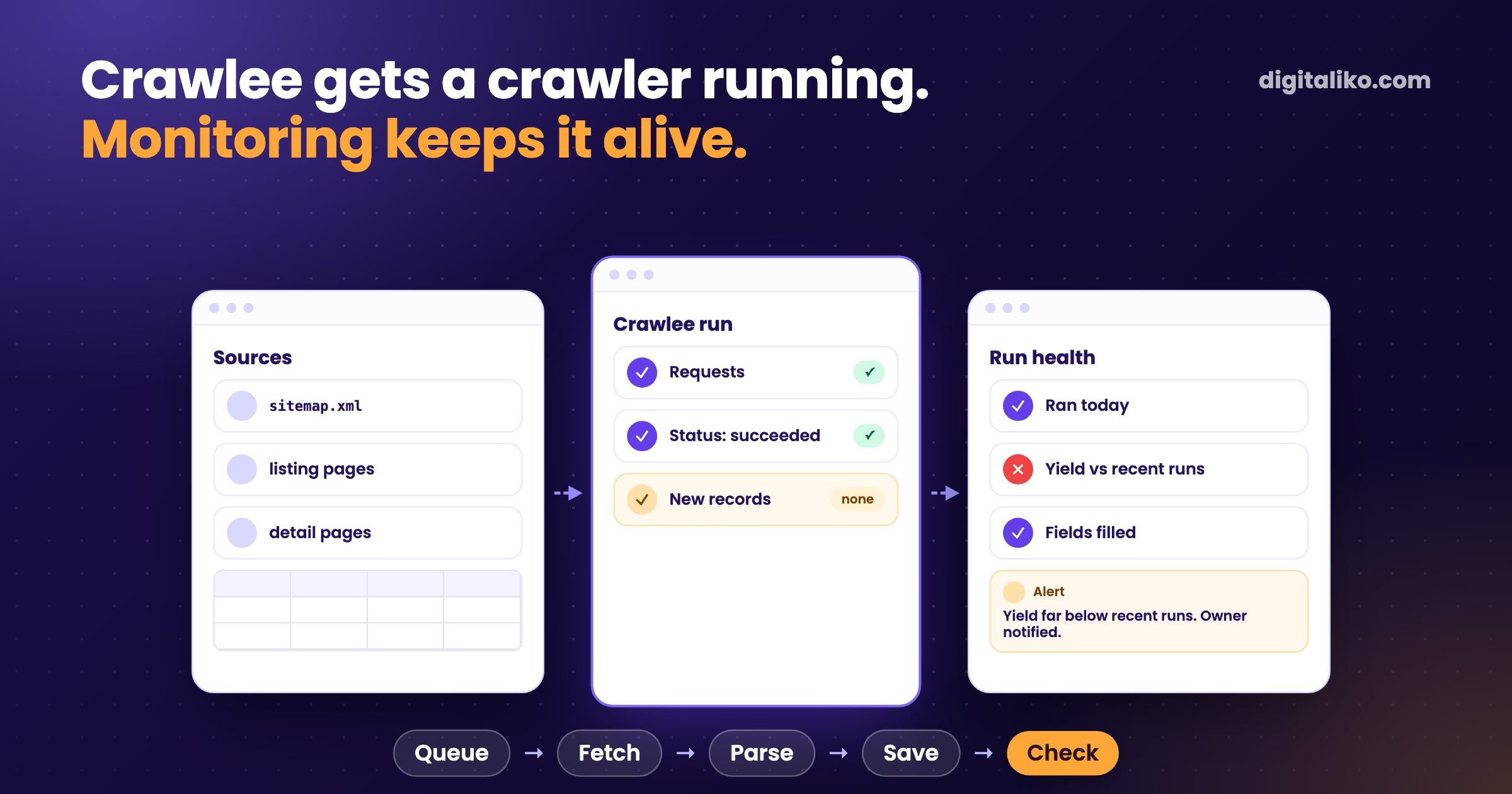
Crawlee is an open-source library for web crawling and scraping. Its docs say it "covers your crawling and scraping end-to-end": fast HTTP crawling with Cheerio or JSDOM, real browsers with Playwright or Puppeteer behind the same interface, a persistent request queue, retries, sessions and proxy rotation. It gets a crawler running quickly. Keeping it running is the hard part.
We learned that on a Crawlee crawler we run for a client with an online marketplace. In December 2025 the crawler died, and we found out late, from a chart. Below is how we use Crawlee, what broke in production, and the checks we added.
What is Crawlee and which crawler should you pick?
Crawlee handles the plumbing every crawler needs: a queue of URLs that survives restarts, retries, concurrency limits, sessions and proxies. You write the handler that turns a page into a record.
The main choice is the crawler class:
Start here
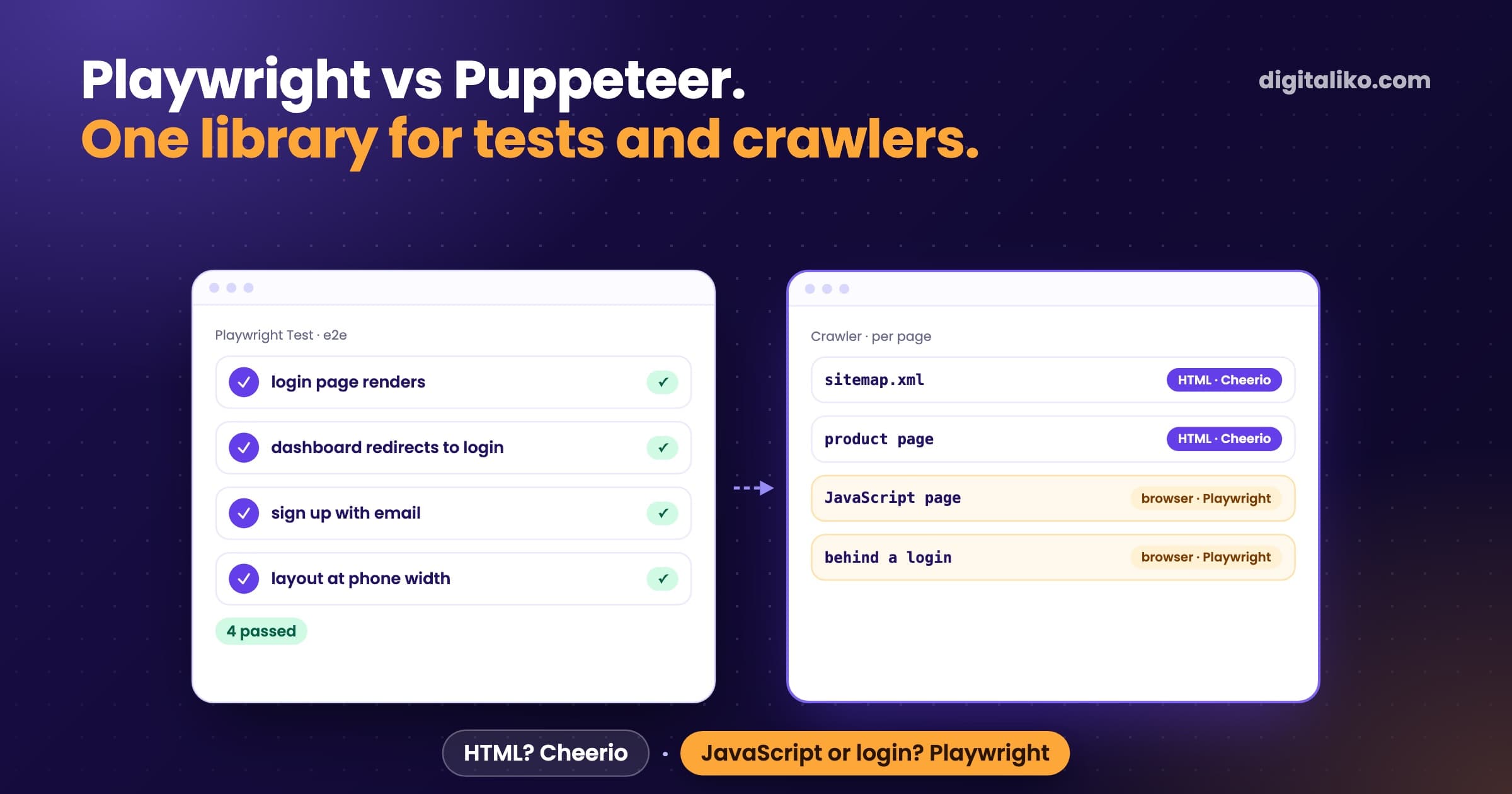
CheerioCrawler
- Downloads the HTML and parses it.
- Fast and light on memory.
- Enough for server-rendered pages and sitemaps.
- What we use for most sources.
PlaywrightCrawler
- Runs a real browser.
- For pages built by JavaScript or behind clicks.
- Slower and heavier per page.
- Only where the HTML is not enough.
Both use the same router and request queue. You can start with Cheerio and move a single difficult source to a browser later.
What does a minimal Crawlee crawler look like?
A router with two handlers: list pages enqueue detail pages, detail pages save a record.
import { CheerioCrawler, createCheerioRouter, Dataset } from 'crawlee'

const router = createCheerioRouter()

router.addDefaultHandler(async ({ enqueueLinks }) => {
  await enqueueLinks({ selector: 'a.listing', label: 'DETAIL' })
})

router.addHandler('DETAIL', async ({ request, $ }) => {
  await Dataset.pushData({
    url: request.loadedUrl,
    title: $('h1').text().trim(),
    price: $('.price').text().trim(),
  })
})

const crawler = new CheerioCrawler({
  requestHandler: router,
  maxConcurrency: 4,
  maxRequestRetries: 2,
  failedRequestHandler: async ({ request }) => console.error('gave up', request.url),
})

await crawler.run(['https://example.com/listings'])
Our production crawlers add one idea to this. They start from sitemaps and remember where the last run stopped, so each run fetches only what changed since then. A full walk of a big catalog on every run is how a crawler hits its time limit.
What breaks in production?
None of these were Crawlee bugs. They are what happens around any crawler that runs every day:
| What happened | What we saw | What we added |
|---|---|---|
| A run ended green and saved almost nothing | green dashboard, a shrinking catalog | a yield check: new records compared with recent runs |
| The scheduler started a run while the last one hung | stuck runs holding database connections | a lock per source and a hard timeout per run |
| The process was killed hard | a run marked "running" forever | a step that marks stale runs as failed before every run |
| Discovery never finished | the time limit hit with nothing saved | a time guard on discovery, incremental sitemaps |
| A paid API behind enrichment returned a billing error | the worker exited with success | a separate health check that alerts on it |
| The schedule in the repo was not the one on the server | runs at the wrong times | the schedule synced from the repo to the server |
The first row is the one that hurt. Our monitoring code now opens with that exact case: a crawl that runs green but brings almost no new inventory.
How do you monitor a Crawlee crawler?
Crawlee tells you about requests that failed. After its retries a request lands in failedRequestHandler, and you can log or count it. It does not tell you that a run which succeeded brought nothing. That check is yours.
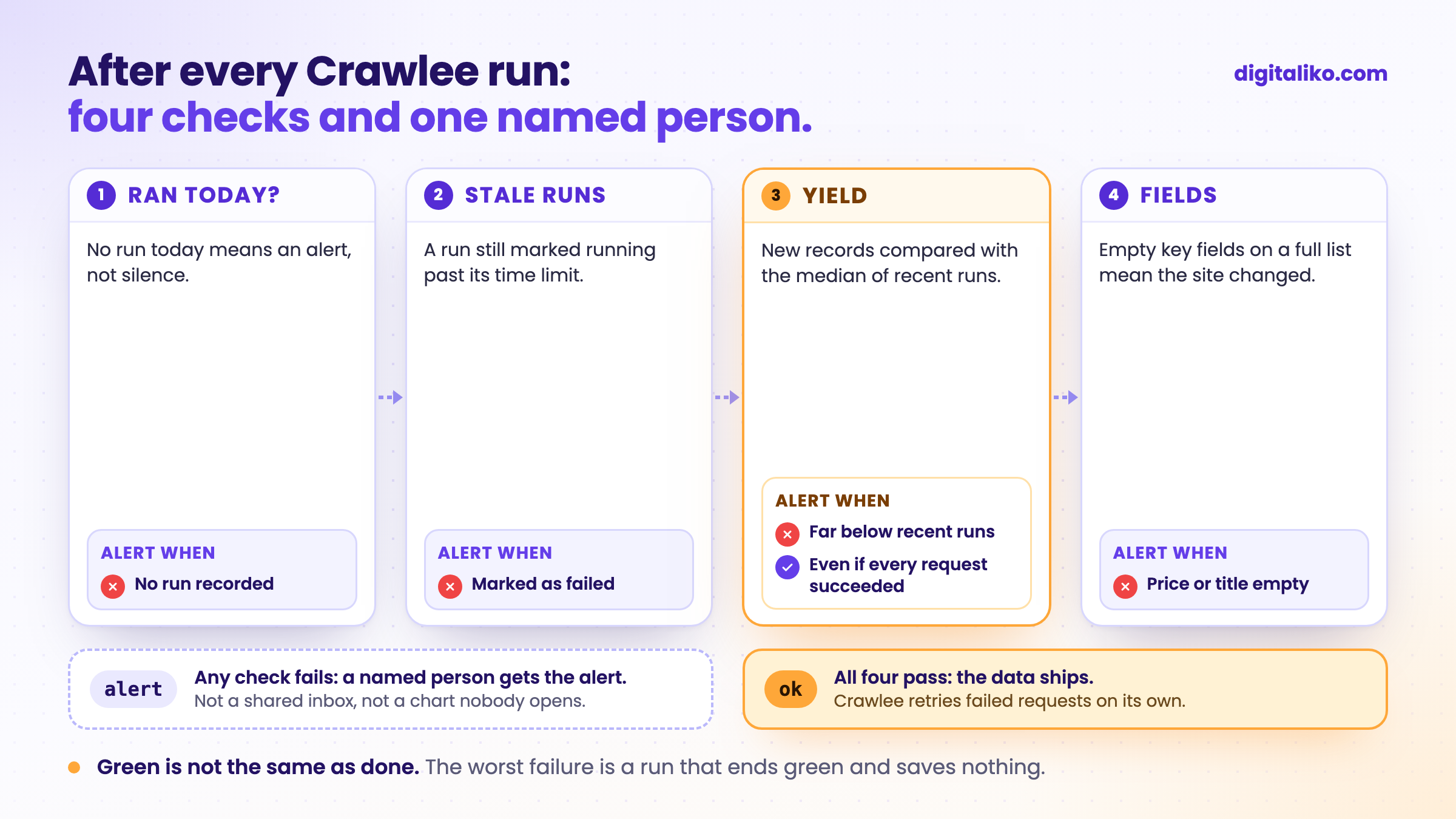
We compare each run with the median of recent runs, not with a fixed number. A source that usually brings many new listings and suddenly brings a handful is a failure, even when every request succeeded. A run still marked running long after its time limit is a failure too, because a killed process never writes its own end.
What did a dead crawler cost?
The marketplace lives from fresh listings. When the crawler stopped, nothing failed loudly. New listings stopped coming, and traffic followed.
- pageviews a month on a client's online marketplace after its crawler died (December 2025)
- 250K → 66K
It did not end there. We had more crawler incidents later, and each one added a row to the table above. Today every deploy is verified and smoke-tested after the merge, and crawler failures page a person instead of waiting for someone to look at a chart.
Getting something into stable production is another level: architecture, infrastructure and people who know what can go wrong.

How do you make a Crawlee crawler production-ready?
01
Introduce yourself
Your own User-Agent with a page that says who collects and why.
02
Lock and time out
One run per source at a time, with a hard time limit.
03
Crawl incrementally
Start from sitemaps and fetch only what changed since the last run.
04
Check the yield
Compare new records and empty fields with recent runs.
05
Alert a name
A named person gets the alert, not a shared inbox.
The first step is about manners and the law. Our crawler introduces itself with its own name and a link to a page that explains who is collecting and why. We switched off one source because its terms forbid automation. What is legal in scraping, and when a crawler pays off at all, is in Web scraping for business: when a crawler pays off.
When is Crawlee the wrong tool?
- The source has an API or an export. Use it. It is more stable and its terms are written down.
- You need the data once. A one-off script or copying by hand is enough.
- The data is behind a login, or the terms forbid collection. Agree on access with the source instead.
- Your team writes Python. Take Scrapy or Crawlee for Python. A crawler in a language nobody maintains dies with the first redesign.
The pattern behind most of our incidents is the same one we wrote about in Claude Code hooks that silently do nothing: green does not mean it worked.
Is your crawler production-ready?
Need a crawler that tells you when it stops?
We build crawlers and what they feed, with monitoring from day one, as part of business process automation. Since 2023 we have delivered 15+ production projects.
We get back to you within two business days, and together we pick what to fix first.
If you'd rather talk first, book a 15-minute meeting with Filip.
How would you find out today that your crawler brought nothing last night?
In short
- Crawlee gives you the crawler plumbing: queue, retries, sessions, proxies, Cheerio or a real browser.
- Start with CheerioCrawler. Use a browser only where the HTML is not enough.
- In production the worst failure is a green run that saves nothing.
- Lock every run, time it out, crawl incrementally and compare the yield with recent runs.
- A named person gets the alert.
Frequently asked questions
What is Crawlee?
An open-source library for web crawling and scraping. It gives one interface for fast HTTP crawling with HTML parsers and for real browsers with Playwright or Puppeteer, plus a persistent request queue, retries, sessions and proxy rotation.
CheerioCrawler or PlaywrightCrawler?
Start with CheerioCrawler. It downloads the HTML and parses it, which is fast and light. Move a source to PlaywrightCrawler only when its pages render content with JavaScript or need clicks. Both use the same router and queue.
Crawlee or Scrapy?
Pick the language your team will maintain, because a crawler needs fixing again and again. A TypeScript team takes Crawlee. A Python team takes Scrapy, or Crawlee for Python.
Why does a Crawlee crawler stop working?
The site changes or blocks you, or the run itself fails: a time limit, a killed process, a schedule that is not what you think. The worst case is a run that ends green and saves nothing. That is why we check the yield after every run.
How do you monitor a crawler?
After every run, check that it ran, how many new records it brought compared with recent runs, and that the key fields are filled. Alert a named person. A run still marked running long after its time limit counts as failed.
Ask AI about this article
The AI also draws on our other articles and experience from real projects.
ChatGPTClaudePerplexity