Shared Excel for multiple users: why it breaks
From Excel to a system · Updated

Filip Papranecfounder of Digitaliko
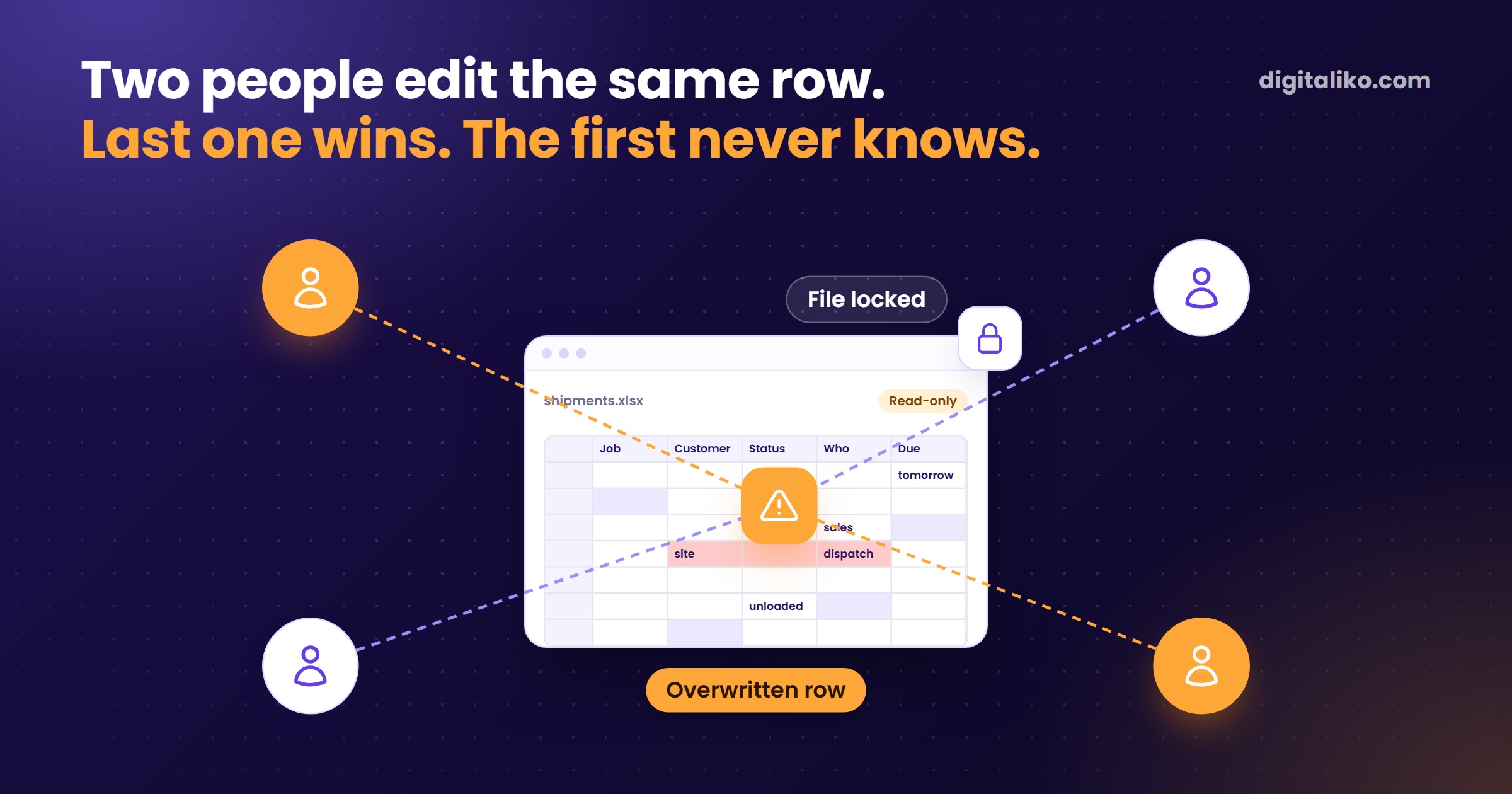
Shared Excel for multiple users works if the file is on OneDrive or in SharePoint and everyone opens it in Microsoft 365. It breaks when two people edit the same row, when someone opens the file in an old Excel, or when people need different permissions. Co-authoring solves simultaneous writing. It does not keep the data in order.
Below is how to set up sharing properly, what it solves and what it does not. And when it is time for a system.
How do you set up Excel for multiple users?
Microsoft calls it co-authoring. You set it up in five steps:
01
Save the file as .xlsx
Or .xlsm or .xlsb. The old .xls format will not do.
02
Move it to OneDrive or SharePoint Online
A company SharePoint on its own server does not support co-authoring.
03
Open it in Microsoft 365
Or in Excel for the web. This applies to everyone.
04
Turn on AutoSave
Otherwise colleagues' changes do not show up as they happen.
05
Share a link with edit rights
You then see the others' changes almost immediately.
You may be looking for the old option to share a workbook. Microsoft treats it as an older feature and recommends co-authoring instead. Do not go back to it.
What does co-authoring in Microsoft 365 solve, and what not?
| Solves | Does not solve |
|---|---|
| Several people write into the file at once | Two people change the same cell. The last saved change usually wins. |
| Nobody has to wait for a colleague to close the file | One person with an old Excel locks the file for everyone |
| Version history, an older version can be restored | Permissions per person or per row. Anyone can overwrite anything. |
| Comments and mentioning a colleague | Input control. Pasting from the clipboard bypasses even Data Validation. |
| Personal filtering with Sheet View | Who is responsible for a row and what should happen next |
The left column is enough for a shared list among a few people. The right column is why a shared Excel file in a company breaks sooner or later.
Why does shared Excel break?
Not because Excel is bad. Because it does exactly what it was designed for. It is a spreadsheet, not a system that knows who does what.
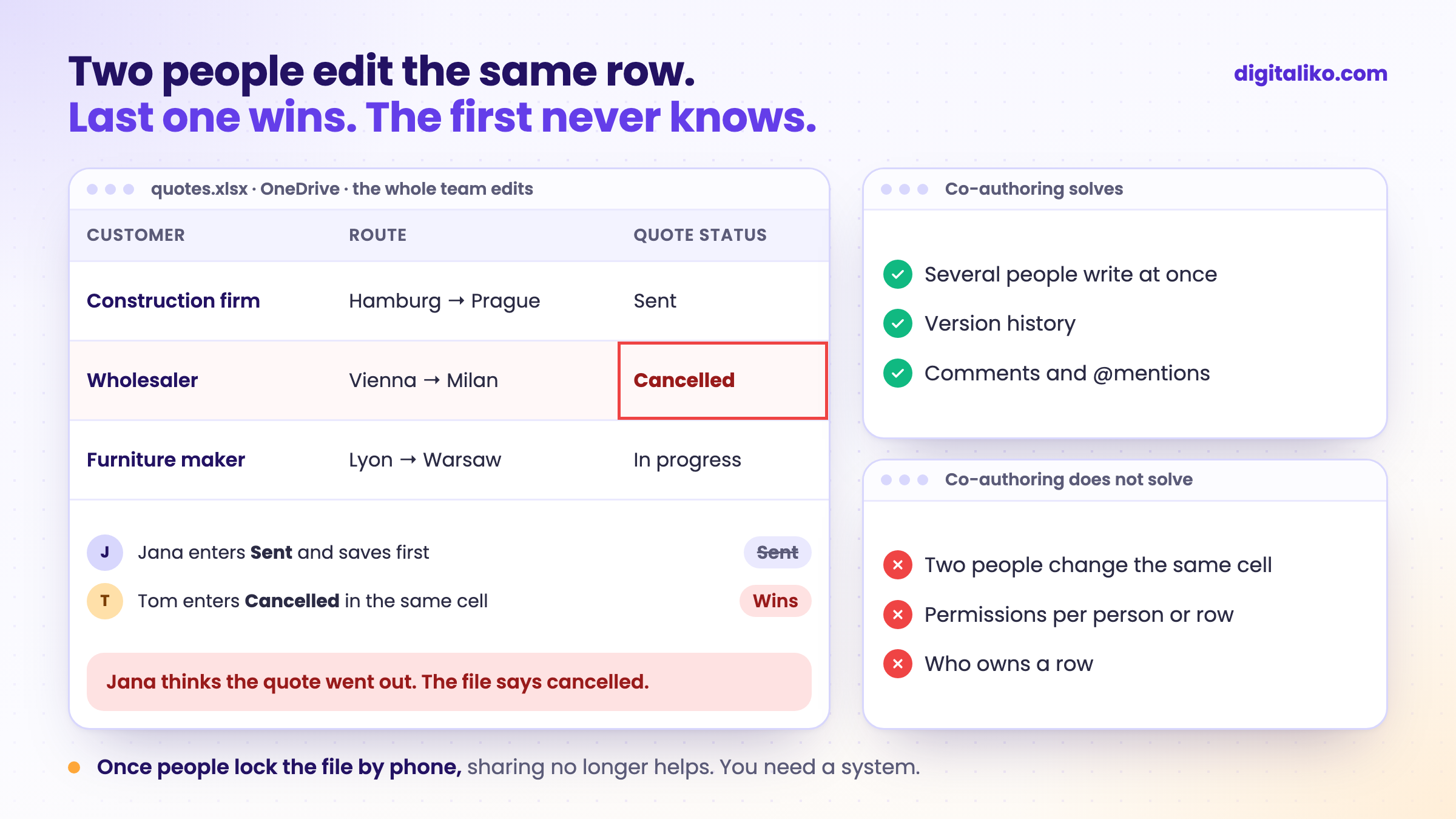
The last one wins. When two people edit the same cell, Excel usually keeps the last saved change. The first person never finds out.
One old Excel locks everyone. One colleague with an old version is enough, and everyone else gets a message that the file is locked. Nobody knows why.
Offline changes arrive later. Whatever a colleague enters on a laptop without internet is merged only after reconnecting. Until then you work with a different state.
Microsoft's advice is really a workaround. To avoid conflicts, Microsoft suggests assigning areas or sheets to each person. In a company that looks like a phone call: "Don't touch it, I'm doing quotes." Once people lock the file by phone, sharing no longer helps.
A password is not permissions. A sheet locked with a password protects against mistakes. But sooner or later everyone who needs to write into it knows the password.
When should shared Excel be replaced by a system?
Tick what is true for you. Every unticked item is one sign that sharing is no longer enough. Two are enough.
Try the first month. If we miss what we wrote down, we refund 50 %. Monthly subscription from €3,980 excl. VAT, pause or cancel any time. Or a fixed price per project: tell us what you need and we send you a quote. Code, data and infrastructure owned by the client from day one.
If you share customers, see Excel as a CRM: where it breaks. If you share stock, see Inventory in Excel: when to switch to a system. All five signs for the whole company are in When is Excel no longer enough for a business?.
Download the checklist: When Excel is no longer enough (PDF)
Before you automate anything, write one process down. Download the one-page process map (Excel)
What did it look like at one freight forwarder?
At the freight forwarder KIABA, carrier contacts lived in personal Excel files and in people's heads. Orders and quotes lived in one shared workbook. Colours carried the process: done, quote, in progress. When the owner hid a column, everyone saw the change. A shared workbook shares its setup too.
This Excel file is your project management. Your whole company's to-do list.

While we built the system, they wanted to see who was typing where. We said no to picking colours freely. The colour has to come from the status, or the sheet lies again. Today they have one system with admin and user roles. We do this kind of move as custom software development, one process at a time.
When we don't recommend it
- A few people write into the file and each has their own part. Co-authoring in Microsoft 365 is enough. Set it up with the steps above.
- One colleague with an old Excel locks the file. Update their Excel or have them open the file on the web. No system needed.
- You only need to see who changed what. Version history in Microsoft 365 shows that. Do not buy anything new.
Do people at your company fight over one file?
Send us the shared Excel that gives you the most trouble. We get back to you within two business days, and together we pick what to fix first.
If you'd rather talk first, book a 15-minute meeting with Filip.
How many times this week did someone say "don't touch it"?
In short
- Shared Excel works through OneDrive or SharePoint Online when everyone opens the file in Microsoft 365.
- Co-authoring solves writing at once. It does not solve conflicts in the same cell, permissions per person or who owns a row.
- One colleague with an old Excel locks the file for everyone.
- When people coordinate the file by phone and two signs from the test apply, it is time for a system.
Frequently asked questions
How do you create a shared Excel file for multiple users?
Save the file as .xlsx on OneDrive or in SharePoint, turn on AutoSave and send colleagues a link with edit rights. Everyone needs Microsoft 365 or Excel for the web.
Can several people write into Excel at the same time?
Yes, with co-authoring in Microsoft 365. But if two people change the same cell, the last saved change usually wins. And anyone can overwrite anything.
Why does my shared Excel file keep getting locked?
Most often because someone opened it in a version of Excel that does not support co-authoring. One person is enough, and everyone else gets a message that the file is locked. Also check that the file is not read-only.
Can you control who may edit what in a shared Excel file?
Only to a limited extent. A sheet can be locked with a password, but that is not permission per person or per row. If a salesperson should see only their own customers, you need a system.
When should a shared Excel file be replaced by a system?
When people coordinate the file by phone, when other people's rows get overwritten, when you need permissions per person, or when an error in the sheet has already cost money.
Ask AI about this article
The AI also draws on our other articles and experience from real projects.
ChatGPTClaudePerplexity