Pohoda API: connecting your system and who maintains it
Process automation · Updated

Filip Papranecfounder of Digitaliko
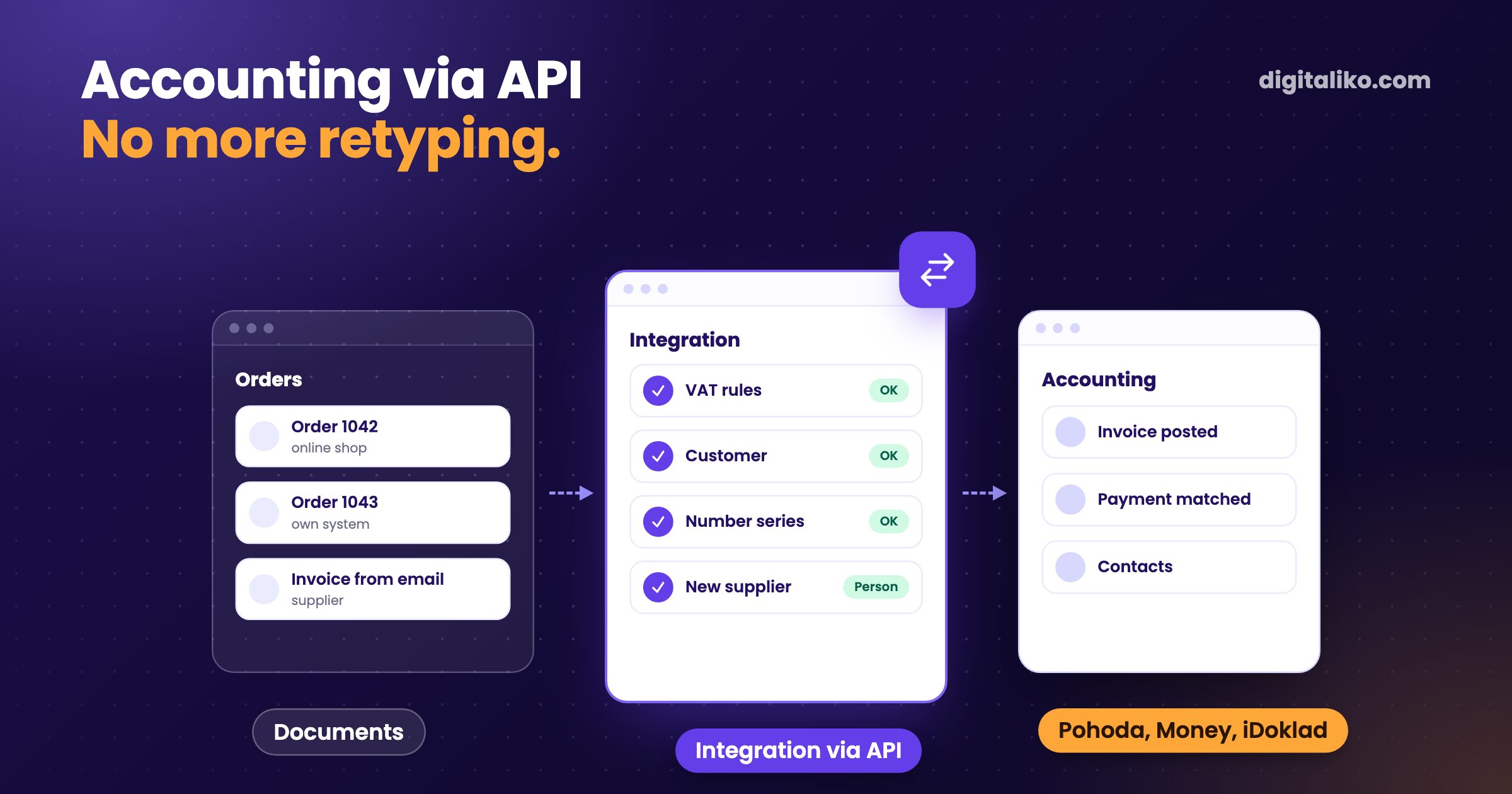
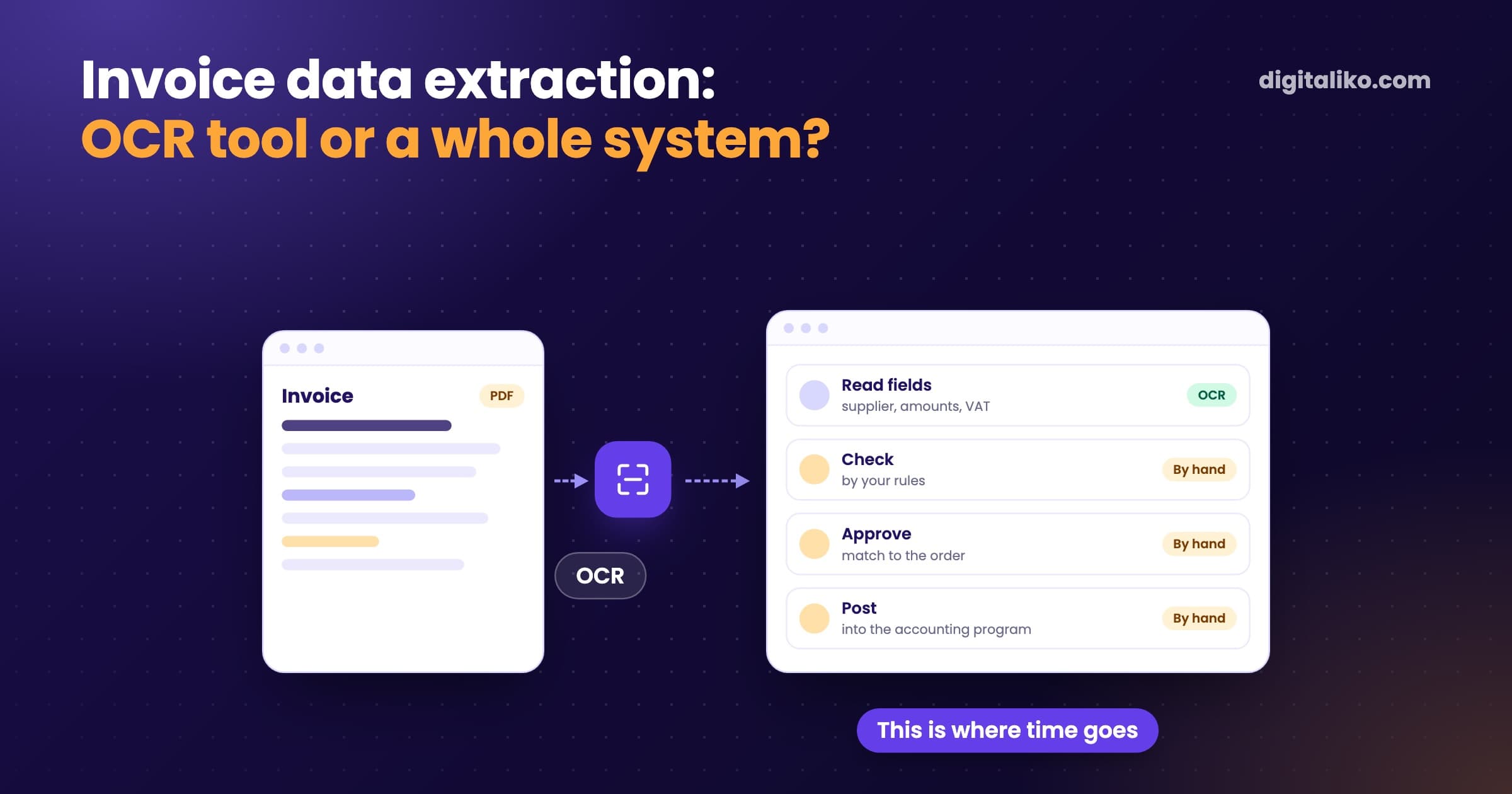
Someone in your company retypes orders and invoices into Pohoda, Money or iDoklad by hand. This can be connected: Pohoda has the mServer XML interface, Fakturoid and iDoklad have REST APIs, and Money S3 accepts XML import. The hard part is not the API but your company rules, and who fixes the connection when something changes.
Below: an overview of the programs, what can be transferred, where integrations break and what to agree on before you start.
Which accounting programs have an API?
All five common programs in Slovakia and Czechia can be connected. They differ in how.
| Program | How it connects | What is typically transferred | Watch out for |
|---|---|---|---|
| Pohoda | XML via mServer | Invoices, orders, contacts, stock | mServer must run where Pohoda is |
| Money S3 | XML import and export | Invoices, contacts, stock | Decide when and who runs the import |
| Fakturoid | REST API | Invoices, contacts, payments | Used mainly in Czechia |
| iDoklad | REST API | Invoices, contacts, payments | The Slovak and Czech versions differ |
| SuperFaktúra | REST API | Invoices, expenses, contacts, payments, import and export | Our own accounting runs on it |
Exact options depend on the program's version and licence. Check them in the vendor's documentation before you start.
Pohoda API
Pohoda connects through XML and its mServer interface. Invoices, orders, contacts and stock can be transferred. mServer must run on the computer or server where Pohoda is.
Fakturoid API
Fakturoid has a REST API. Invoices, contacts and payments can be transferred. It is used mainly in Czechia.
iDoklad API
iDoklad also has a REST API for invoices, contacts and payments. The Slovak and Czech versions differ, so check which one you use.
SuperFaktúra API
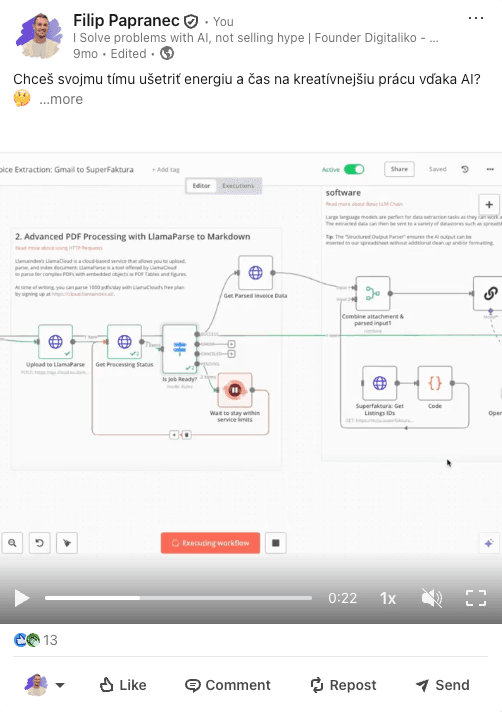
We know SuperFaktúra best: our own accounting runs on it. Through its REST API we move invoices, expenses, contacts and payments. We do document import and export, and process invoices from email.
Money S3
Money S3 exchanges data through XML import and export: invoices, contacts and stock. Decide when and who runs the import.
What can be connected?
Everything someone copies today from one window to another. Most often:
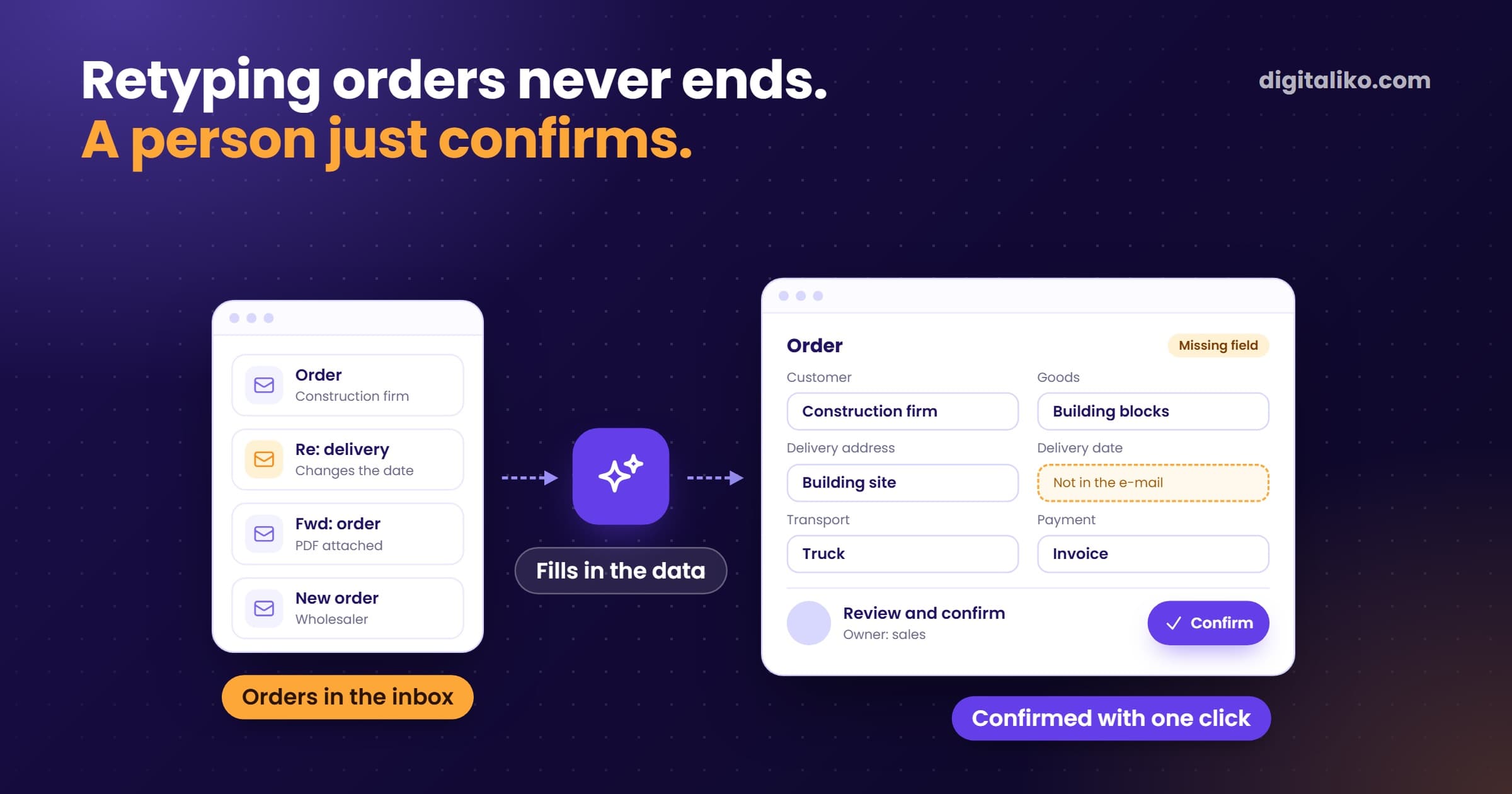
- Orders into invoices. An order from the online shop or your own system turns into an invoice by itself.
- Incoming invoices from email. A supplier invoice is read and written into accounting.
- Payments back. When an invoice is paid, the order in your system knows it.
- Contacts. A new customer is created once, not in three systems.
If your orders arrive by email, the first step is getting them out of the inbox. We cover that in Automate email order processing.
Where is the hard part?
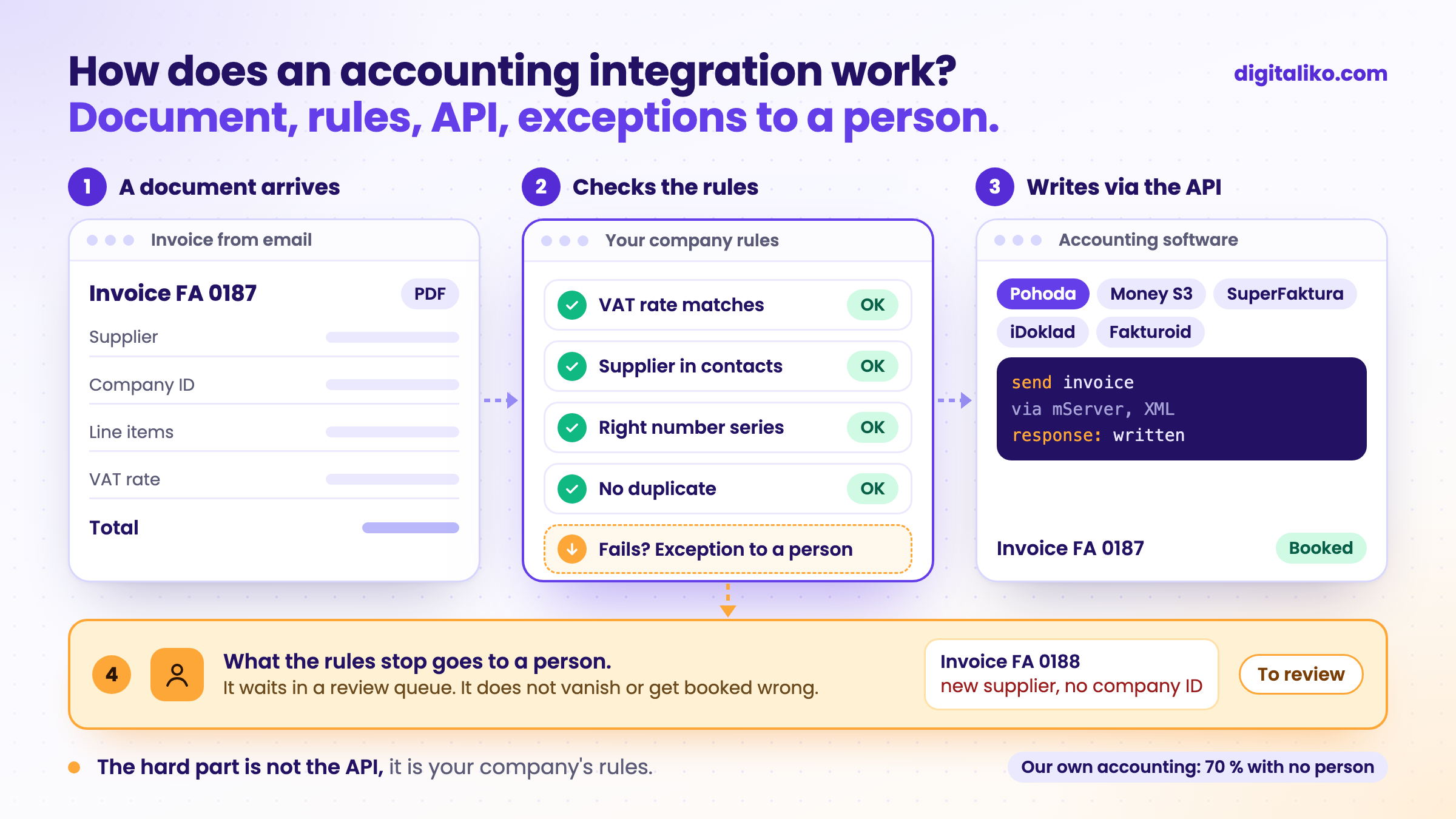
The API connection itself is usually the fastest part. Time gets lost on rules nobody wrote down. VAT rates, a new customer without a company ID, a credit note, separate number series for the shop and for wholesale.
Take our own accounting, with invoices from email:
- per invoice, down from 10 to 15 minutes
- < 1 min
- go through with no person at all
- 70 %
- running
- 2+ years
The other 30 % go through a person on purpose. A scanned invoice, a new supplier or several VAT rates land with someone who checks them. In accounting it is better to ask twice than to post once wrongly.
Whether your work needs fixed steps or an agent that reads free text is covered in What is an AI agent?.
In what order should you build the integration?
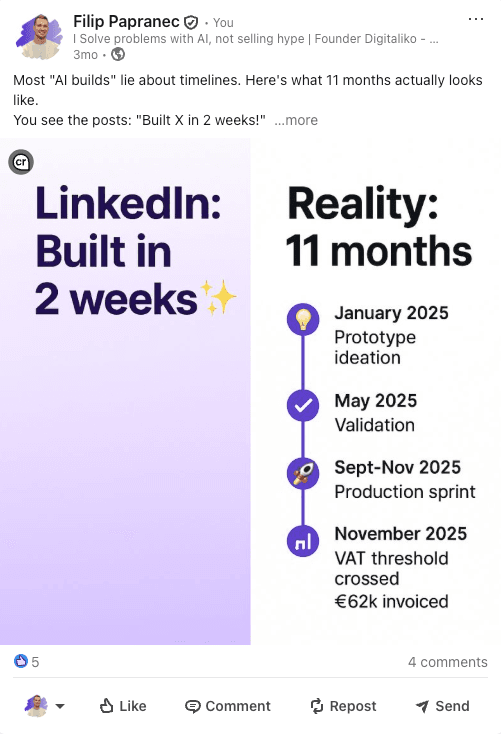
To be honest: we have not connected Pohoda or Money directly yet. Most of our experience is with SuperFaktúra: import and export, invoice processing and working with its API. The principle is the same. The API is the easy part; the rules and exceptions are the hard part.
That is why we don't trust the promise "connected to Pohoda in a week". Ask the vendor what happens with a credit note, a new customer and a document that fails. If they can't answer, a week is not enough.
The order we recommend:
01
Check the program
Options depend on the version and licence. Check them in the vendor's documentation.
02
Write down the rules
VAT rates, a new customer, a credit note, number series.
03
Connect the API
It is usually the fastest part.
04
Agree how it runs
Who hears about an error and what happens to a document that fails.
A ready-made accounting add-on is a good choice as long as you do exactly what its author expected. Once you have your own rules, the add-on hits them. Then a custom integration is cheaper.
Who keeps the integration running?
An integration is not done when the first invoice goes through. It is done when you know what happens at the first error. Tick off this list before you order one:
We build integrations like this as part of business process automation. The solution, code and access are yours from day one.
When we don't recommend it
- A ready-made add-on exists for your connection. For example, a standard online shop with Pohoda. If it covers your rules, buy it.
- You have a few invoices a month. Retyping costs you less than an integration and its upkeep.
- You are about to change accounting programs. Pick the program first. We build the integration for the one that stays.
- Your accountant wants to check every document by hand. We connect only the transfer, not automatic posting. That still saves the retyping.
What do you retype today?
Tell us which documents someone retypes today, and between which programs. We get back to you within two business days, and together we pick what to fix first. We will also tell you if a ready-made add-on is enough.
If you'd rather talk first, book a 15-minute meeting with Filip.
How many documents a week pass through someone's hands only because two programs don't talk to each other?
In short
- Pohoda, Money S3, Fakturoid, iDoklad and SuperFaktúra can all be connected via XML or a REST API.
- The hard part is not the API but the rules: VAT rates, a new customer, a credit note, number series.
- Our own invoices from email: from 10 to 15 minutes to under one, 70 % with no person.
- Before you start, agree who hears about an error and what happens to a document that fails.
Frequently asked questions
Does Pohoda have an API?
Yes. Pohoda communicates via XML, and mServer handles connections to other systems. It has to run on the computer or server where Pohoda is. Exact options depend on the version and licence.
Can Money S3, Fakturoid or iDoklad be connected to our system?
Yes. Money S3 exchanges data via XML import and export. Fakturoid and iDoklad have REST APIs. Invoices, contacts and payments can be transferred, and with Pohoda and Money also stock.
What is the hardest part of an accounting integration?
Not the API, but your company rules. VAT rates, a new customer, a credit note, number series. If nobody writes them down up front, they show up in the books as errors.
Who fixes the integration when it stops working?
Someone specific, and they should know before your accountant does. A document that fails should wait in a queue, not disappear. Agree on this before you start, not after the first outage.
Ask AI about this article
The AI also draws on our other articles and experience from real projects.
ChatGPTClaudePerplexity