How to automate order processing from email
Process automation · Updated

Filip Papranecfounder of Digitaliko
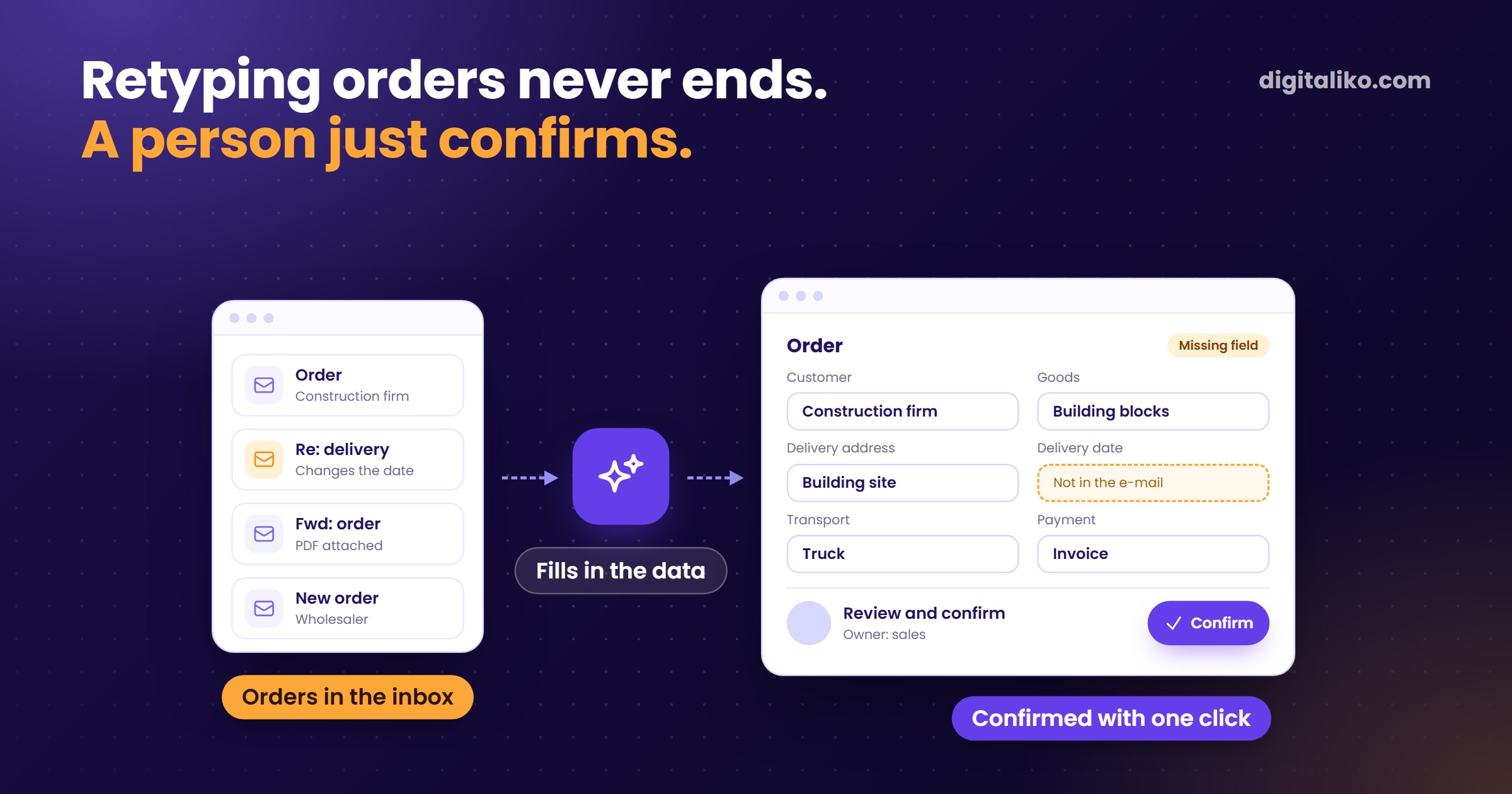
Processing orders from email can be automated in three steps. AI reads the email and the attachment and fills the data into your system. A person checks and confirms it. Once checking stops finding errors, selected types of orders go through entirely on their own.
The first condition is simple: the order needs somewhere to land. Below is the process, a table of the data, and what we learned in freight forwarding.
What does an order from email look like today?
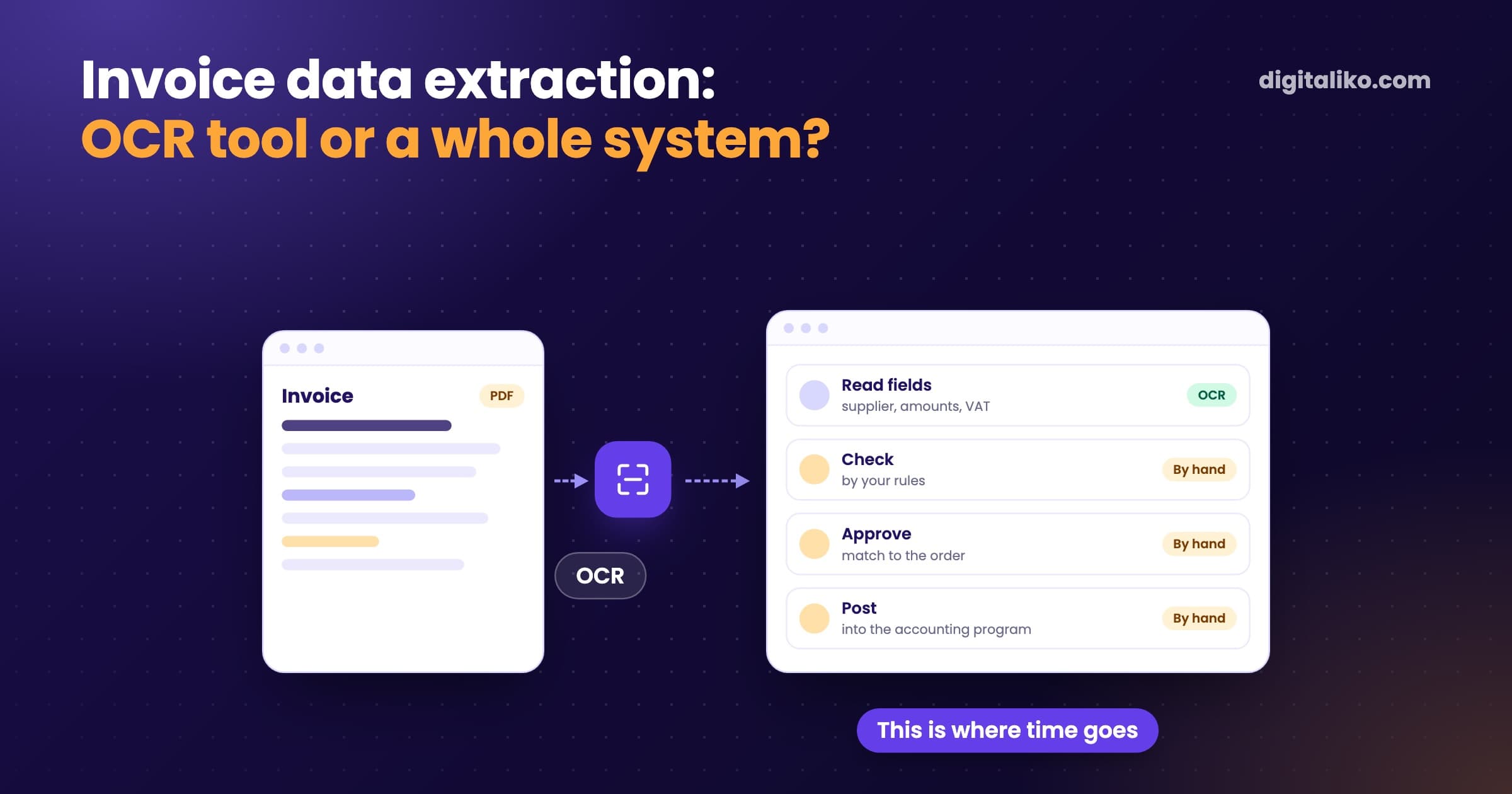
In most companies, the same. A customer sends an email, sometimes with a PDF, sometimes with an Excel file, sometimes just three lines of text. Someone opens it, reads it and retypes it into a system or a spreadsheet. Then they reply that the order was received.
In freight forwarding it is even more varied. A transport request contains the loading and unloading place, the date, the goods, the weight and sometimes a price. Every customer writes it differently. One sends a spreadsheet, another a PDF from their own system, a third a short email from a phone.
Retyping is not hard. It is just endless. And a mistake in one number means a truck at the wrong address or a wrong price in a quote.
How do you automate order processing from email?
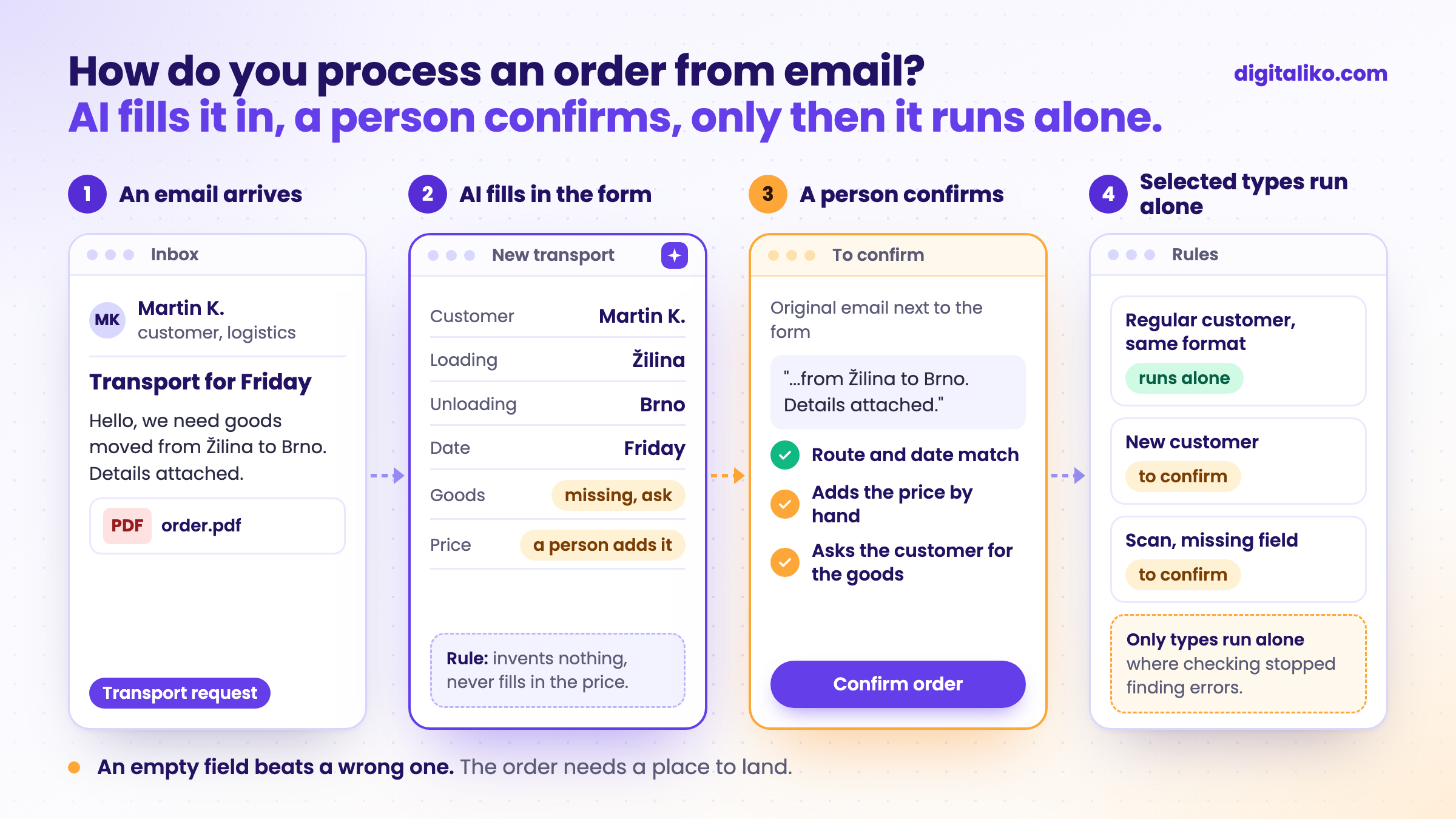
The process we propose has three steps:
01
AI reads and fills in
It pulls the data from the email and the attachment and puts it into a form in your system. It sends nothing.
02
A person confirms
They see the original email next to the filled-in form. They fix what does not match and confirm with one click.
03
Selected types go on their own
For example a regular customer whose orders always come in the same format. The rest stay in step 2.
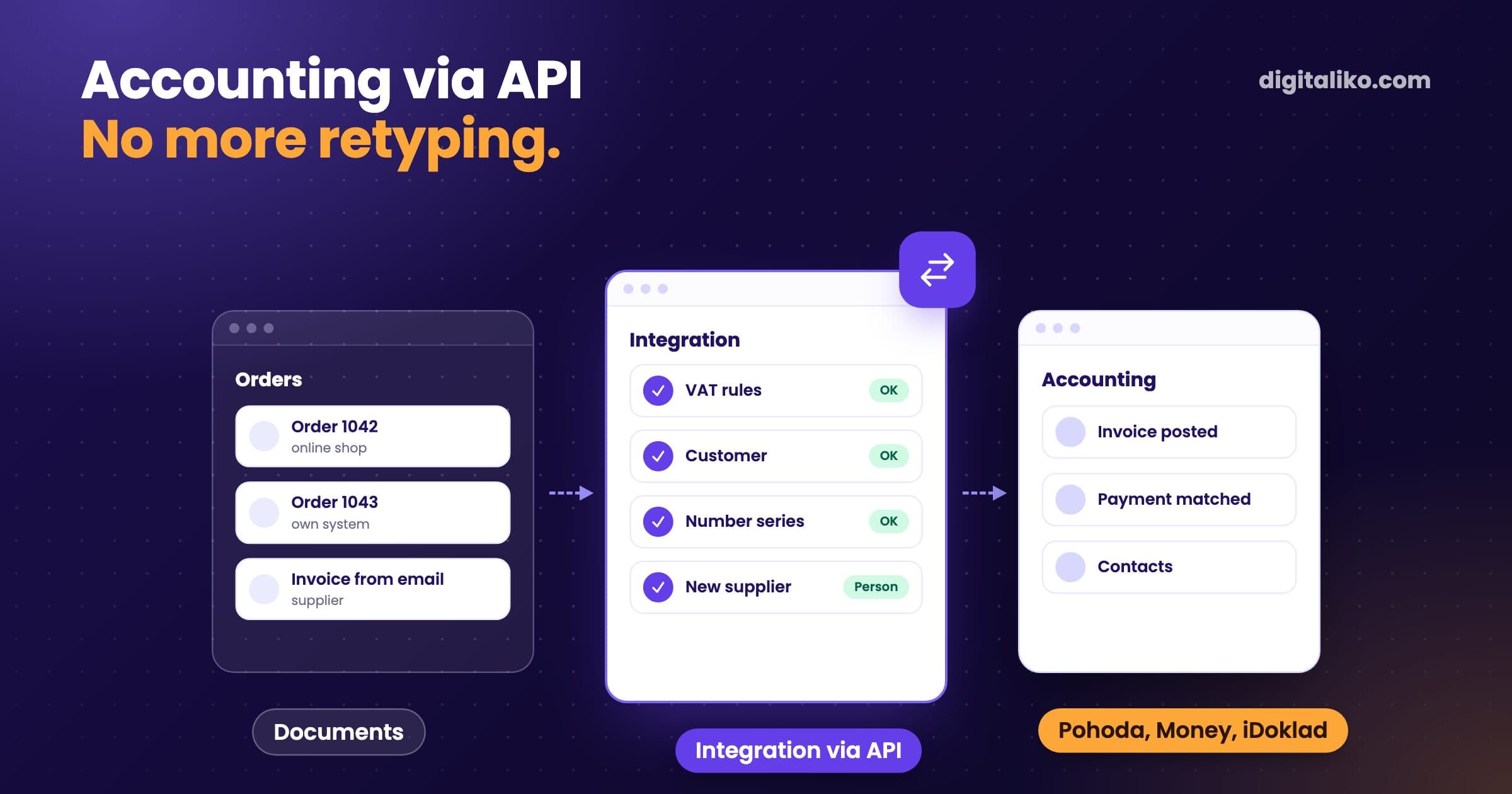
The same process runs in our own accounting, with invoices that arrive by email. One invoice used to take 10 to 15 minutes. Today the system processes it in less than a minute. 70 % of invoices go through with no person at all.
The remaining 30 % go through a person on purpose. A scan, a new supplier, an unusual document. The same holds for orders: better to confirm once than to send a truck to the wrong address.
AI prepares the whole thing and you just scroll through it. You see if anything is way off, and you hit OK.

Which data needs to be pulled from an order?
Before you start, write down what must be in the system for the order to be handled. For a transport request it looks like this:
| Data | Where AI takes it from | What if it is missing |
|---|---|---|
| Customer | Email sender, signature, PDF header | A suggestion based on history, confirmed by a person |
| Loading and unloading | Text or attachment | The field stays empty, a person asks |
| Date and time | Text or attachment | The field stays empty, a person asks |
| Goods, weight, dimensions | Attachment, often a table | The field stays empty, a person asks |
| Price | Text or a previous quote | Never filled in by AI, always by a person |
One important rule: whatever AI fills in carries a mark until a person clicks it off. The system must not make things up. An empty field is better than a wrong one. For a new customer it also pays to verify the VAT number, for example with our VAT number check.
What has to be in place before automation?
A place where the order lands. If orders live in the inbox and three Excel files today, AI only moves the retyping somewhere else.
At a freight forwarding company we work for, carriers and shipments were scattered across Excel files, emails and the forwarders' heads. First we put them into one system. Automation only makes sense on top of data that sits in one place.
Often the biggest saving does not come from AI. It comes from proper search and data in one place. AI then adds speed at the input.
If you have AI but no data, the AI has nothing to decide on.
Before you start, tick what you already have:
If you do not have a system yet and everything runs in spreadsheets, start with When is Excel no longer enough for a business?
Download the plan: An AI agent in your company, the first 30 days (PDF)
Before you automate anything, write one process down. Download the one-page process map (Excel)
Do you need an AI agent for this?
An order has fixed content, even if everyone writes it differently. An agent that decides on its own comes in only with customer replies or quotes. We build this kind of business process automation right on top of your system.
We explain the difference in What is an AI agent? If customer questions arrive alongside the orders, have a look at AI agent for customer emails.
When we don't recommend it
- You get only a few orders a week. Keep retyping them by hand. Automation does not pay off.
- Orders have nowhere to land, everything lives in the inbox and in spreadsheets. One system or a tidy spreadsheet first. Automation after.
- Customers could order through an e-shop or a form. Send them there. The retyping disappears without any AI.
- Your system can already import orders from email. Turn it on. Nothing needs to be built.
Retyping orders by hand?
Send us two or three orders the way they arrive today, PDF is fine. We get back to you within two business days, and together we pick what to fix first.
If you'd rather talk first, book a 15-minute meeting with Filip.
How many orders a day does someone in your company retype by hand?
In short
- AI reads the order from the email and fills it into your system. A person confirms it.
- Only types where checking stopped finding errors run on their own.
- Whatever AI fills in carries a mark. It never fills in the price.
- First one system where the order lands. Automation after that.
Frequently asked questions
Can processing orders from email be automated?
Yes. AI reads the email and the attachment, pulls out the data and fills it into a form in your system. A person checks the data and confirms it. Only the types where checking stopped finding errors go through fully automatically.
Can AI handle orders in PDF or Excel?
Yes, attachments in PDF and Excel as well as text directly in the email. Poor-quality scans and handwritten notes are harder. The system should flag those and send them to a person.
What if a detail is missing from the order?
The system must not make it up. The field stays empty and flagged, and a person asks the customer for the detail. Anything AI filled in should be visibly marked until someone confirms it.
Do I need a new system for this?
You need a place where the order lands, otherwise you only move the retyping somewhere else. If orders live in Excel and the inbox today, the first step is one system for everyone.
Ask AI about this article
The AI also draws on our other articles and experience from real projects.
ChatGPTClaudePerplexity