Migrating data from SaaS to your own system, no downtime
Software ownership and vendors · Updated

Filip Papranecfounder of Digitaliko
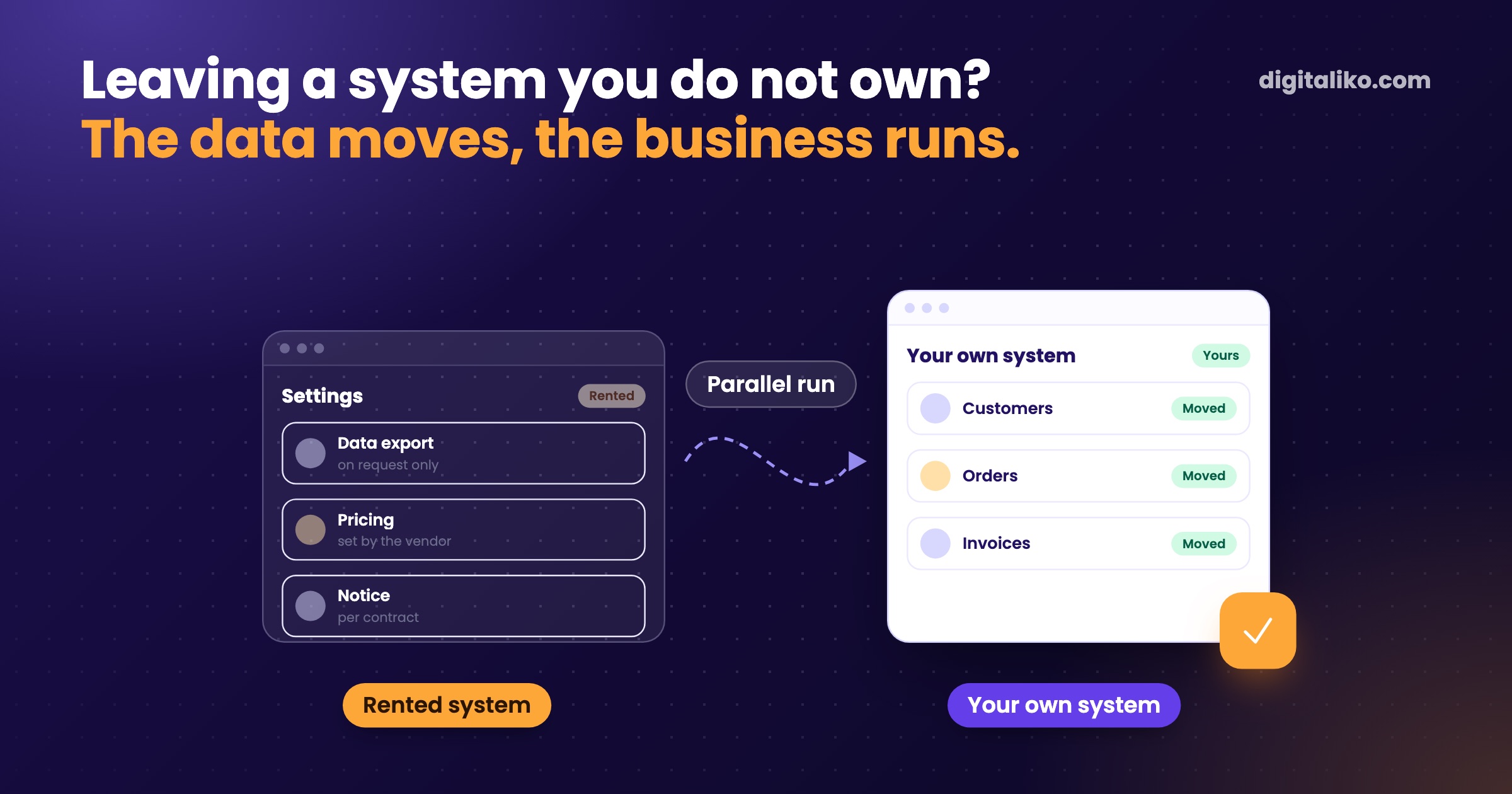
The system your business runs on belongs to someone else, and leaving it feels like jumping without a parachute. You can switch without downtime if you keep the order: contract and export, trial transfer, parallel run, cutover, and only then notice.
Below is what to check in the contract, how to get the data out and how to switch so the business does not stop for a day.
What to check in the contract before you leave?
Give notice only once the data is in your hands. Read the end of the contract and the terms first. Tick what you already know. Every unticked point is an open question:
If a point is missing, agree on it in writing before you give notice. After that you have nothing left to negotiate with. How to tell that a vendor has you locked in is in Vendor lock-in: how to tell you are trapped.
With custom software, also check who owns the code. That is its own topic in Who owns the source code of custom software?.
We are not lawyers and this is not legal advice. With a long notice period or exit penalties, pay for a lawyer.
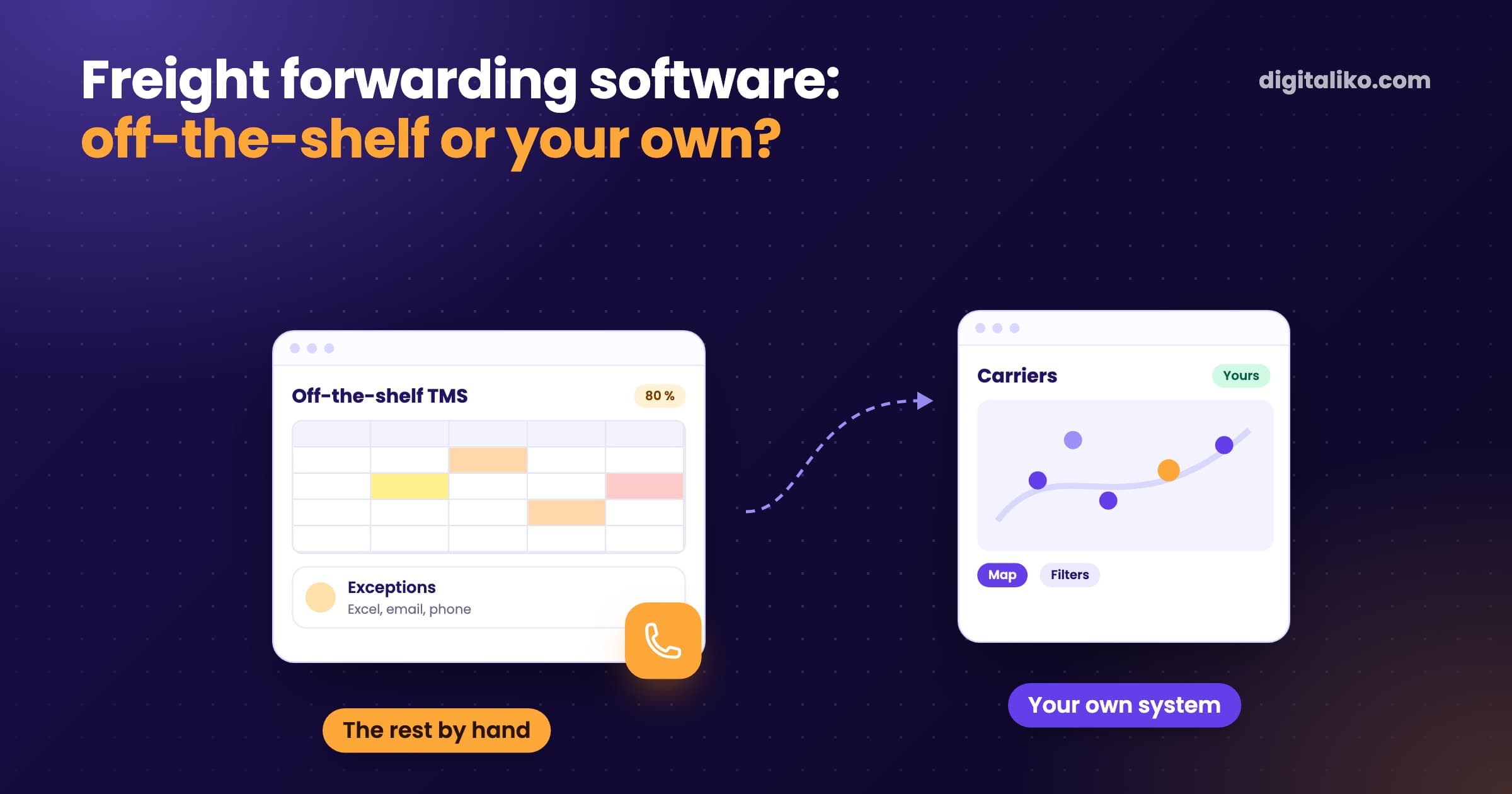
How to get data out of a system you do not own?
Try the routes in this order. Each next one is slower and more expensive:
| Route | When it works | Watch out for |
|---|---|---|
| Built-in export | The system has a CSV or Excel button | Often exports one list, without links or attachments |
| API | The vendor offers it in your plan | Rate limits, large data takes time |
| Export on request | The first two are not enough | Ask in writing, narrowly and with a deadline |
| Manual download | Nothing else works | Slowest, copy errors, last resort only |
The biggest mistake is relying on one export right before the contract ends. Run a trial export now. You will see what is missing and still have time to fix it.
With every export, check three things:
- Counts. As many records as the old system shows.
- Links. An invoice knows its order, and an order knows its customer.
- History. Notes, status changes and attachments, not just the latest state.
Data that does not come from a database export, but for example from the system's screens, is less precise. You do not see its full structure. And the history has to stay complete after the old system is switched off, for example for invoice archiving and tax audits.
If an AI agent helps with the transfer, keep it away from the live account of the old system. A test account without delete rights is enough.
How to switch to a new system without downtime?
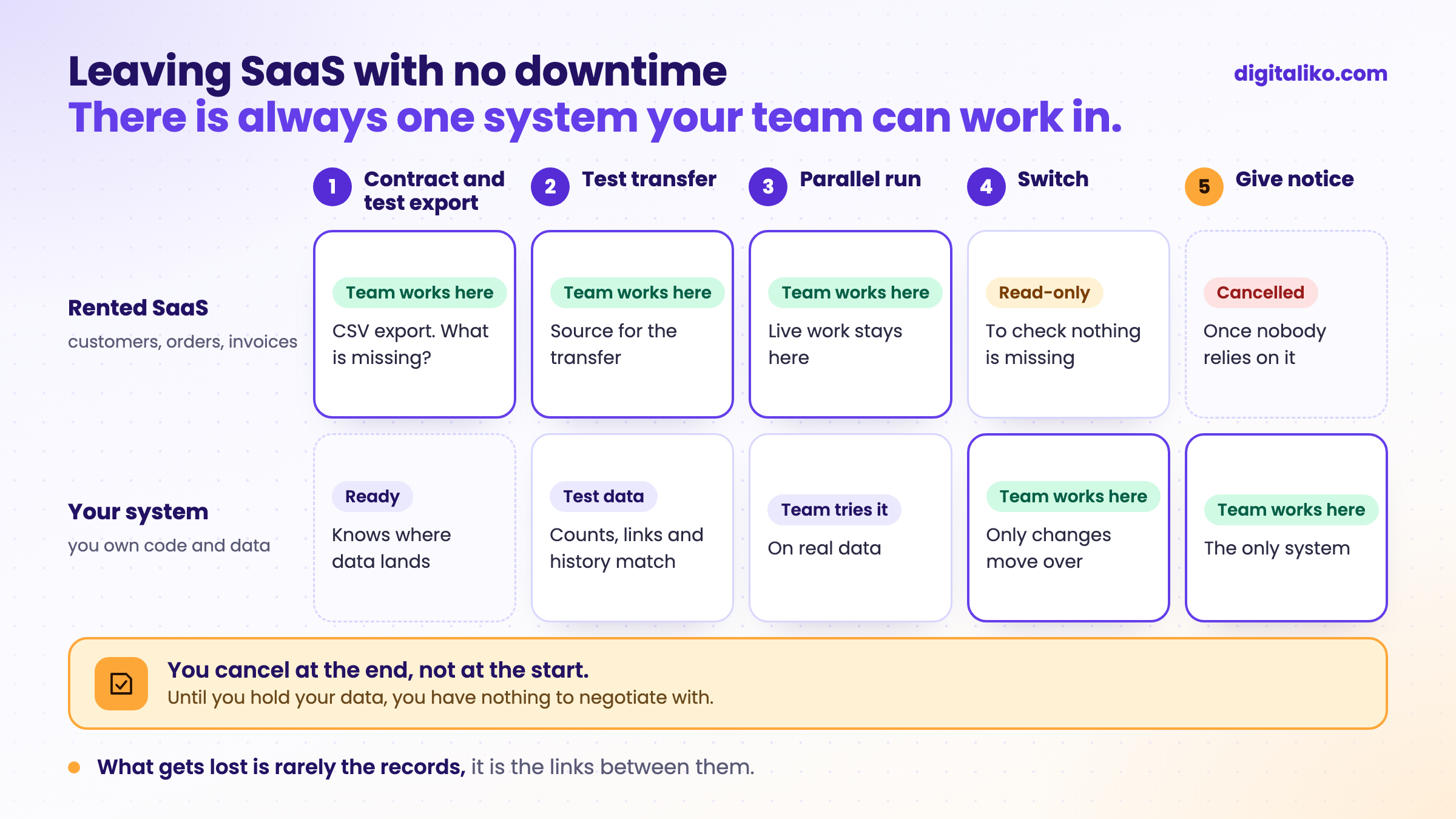
Do not switch off the old system on the day you switch on the new one. Let them run side by side for a while. The process has five steps:
01
Contract and trial export
You know what you get, in what shape and by when.
02
Trial transfer
You move the data into the new system and compare it with the old one.
03
Parallel run
People try the new system on real data while work still runs in the old one.
04
Cutover
You move only the changes since the trial transfer and people start working in the new system.
05
Notice comes last
Keep the old system read-only until nobody relies on it. Only then give notice.
Switch all at once or process by process?
What decides is how tightly the processes are linked. With one small process, switching at once is enough. With several that can be separated, going part by part is safer:
| All at once | Process by process | |
|---|---|---|
| When | Small system, one process, a few people | Several processes that can be separated |
| Upside | Short period with two systems | A mistake hits only one process |
| Risk | If something breaks, everything stops | You pay for both systems longer |
| What to prepare | A dry run of the cutover | Who works in which system for now |
What do we check after the transfer?
In a transfer, the links matter most. An invoice without its order, or an order without its customer, is worthless. So after a transfer, check above all that the links survived. When we moved the users of a client's online marketplace, we first tested a restore from backup and after the move logged in with our own accounts.
We do not stop at cutover. Some bugs only show up in everyday work, so we stay with you after go-live.
- of support during the move into production
- 30 days
And if you ever want to leave us, our contract says we fix the bugs from the last month. We do moves like this as part of custom software development.
When we don't recommend it
- The SaaS works for you and you can get your data out. Do not leave. Connect it to what you need.
- It is email, documents or accounting. They work the same everywhere. Renting is fine here.
- You want to leave only because of the price. Add up the whole move first. A cheaper SaaS may be enough.
- The contract ends in days and you never ran a trial export. Extend access first. A rushed migration is the most expensive one.
Invoicing and payment software is critical infrastructure. There you need a vendor with certifications, contracts and liability. Your own system gives you more control, but also more responsibility, and you need the capacity for it.

Planning to leave a system you do not own?
Tell us which system you are in and what needs to move. We get back to you within two business days, and together we pick what to fix first. We will also tell you if leaving does not pay off.
If you'd rather talk first, book a 15-minute meeting with Filip.
Which system would you switch off today if you had the data in your hands?
In short
- Give notice last. Contract and trial export come first.
- You get data out through the export, the API, a written request or by hand. Try them in that order.
- You switch without downtime when the old and new system run side by side for a while.
- After the transfer, check counts, links and history. Links are what gets lost most often.
Frequently asked questions
How do I get my data out of a SaaS system I do not own?
First through the built-in export to CSV or Excel, then through the API. If neither is enough, ask the vendor in writing for specific data in a specific format by a specific date. Run a trial export before you give notice.
What should I check in the contract before leaving a vendor?
The notice period, who owns the data, what format you get it in, whether the export costs extra and how long you keep access after the contract ends. If the contract is silent, agree on it in writing before you give notice.
Can you switch to a new system without downtime?
Yes, if both systems run side by side for a while. You fill the new system with a trial transfer, people try it out, and on cutover day you move only the changes since the last transfer. The old system then stays read-only.
How long does a data migration take?
It depends on how easily you get the data out and how many links between records must survive. The transfer itself is rarely the slow part. Waiting for the export and checking that nothing is missing usually is.
What gets lost most often in a data migration?
Links and history. The records arrive, but an invoice no longer knows which order it belongs to, or attachments and notes are missing. That is why you compare counts and random records with the old system after every trial transfer.
Ask AI about this article
The AI also draws on our other articles and experience from real projects.
ChatGPTClaudePerplexity