Freight forwarding software: off-the-shelf or your own?
Software ownership and vendors · Updated

Filip Papranecfounder of Digitaliko
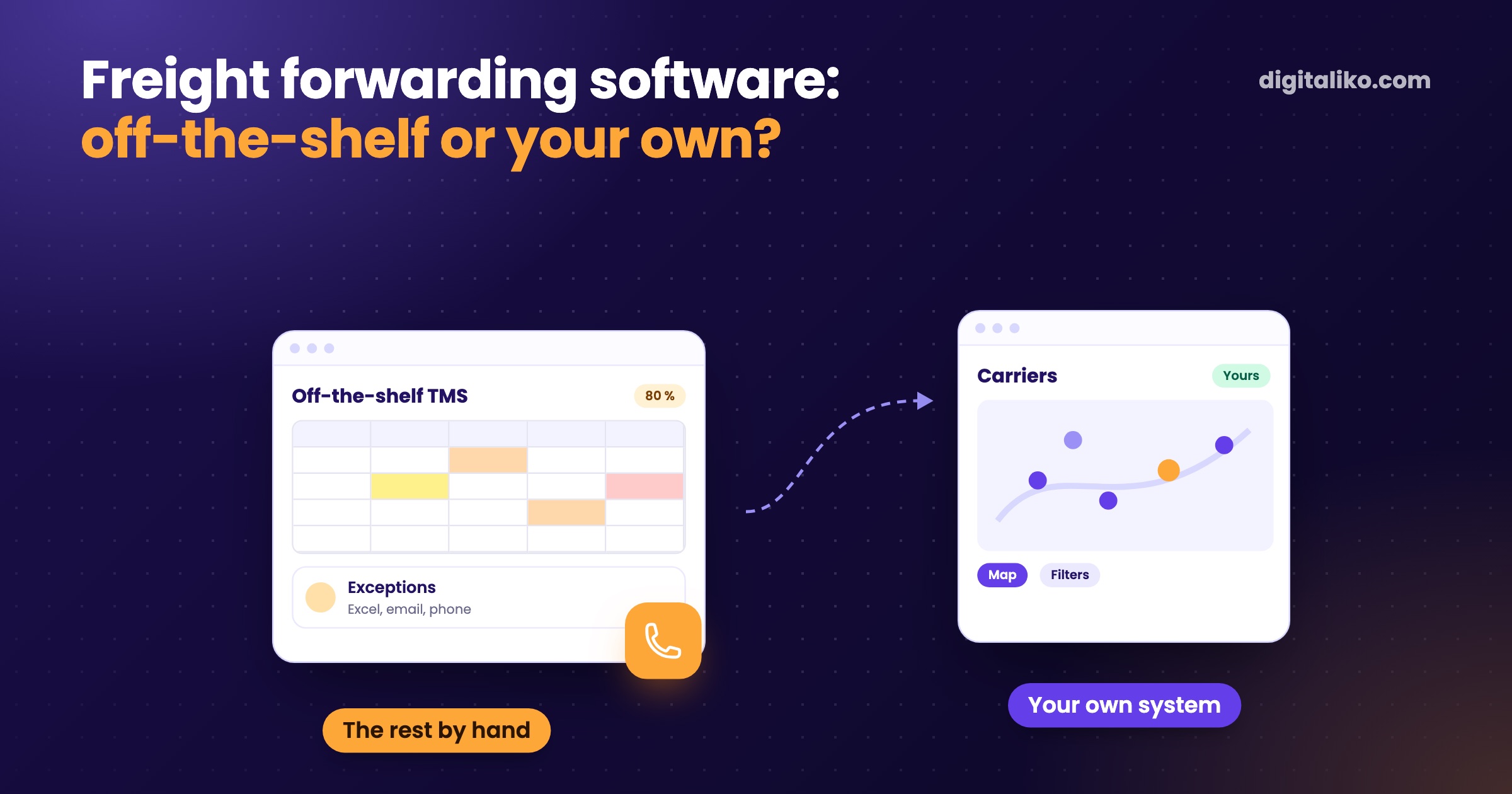
Your dispatcher looks for carriers by phone, orders live in Excel, and the off-the-shelf forwarding software only half fits. An off-the-shelf TMS is enough while you work like most forwarders. When the way your dispatchers work is what sets you apart, the box starts to hold it back.
Your own system pays off from the moment you spend more time working around the software than working in it. Below is a comparison, five questions to decide, and one example from a forwarder.
What does off-the-shelf forwarding software do well?
An off-the-shelf TMS covers what every forwarder has in common. Orders, carriers, documents, invoicing and shipment status. You start fast and pay per user per month.
If your edge is price, speed of reply or your carrier network, that part is the core of the business. The box then pushes it into Excel, email and the phone.
Off-the-shelf or your own system: comparison
| Off-the-shelf TMS (the box) | Your own system | |
|---|---|---|
| Start | Days to weeks, you set up what the vendor allows | First version in weeks, one screen at a time |
| How you pay | Licence per user, grows with the team | Monthly subscription, no per-user fee, cancel any month |
| Customisation | Only through the vendor's settings and modules | Built around how your dispatchers work |
| Exceptions | End up in Excel, email and on the phone | Have their own status and everyone sees them |
| Integrations | Whatever the vendor offers | What you need: accounting, email, your spreadsheets |
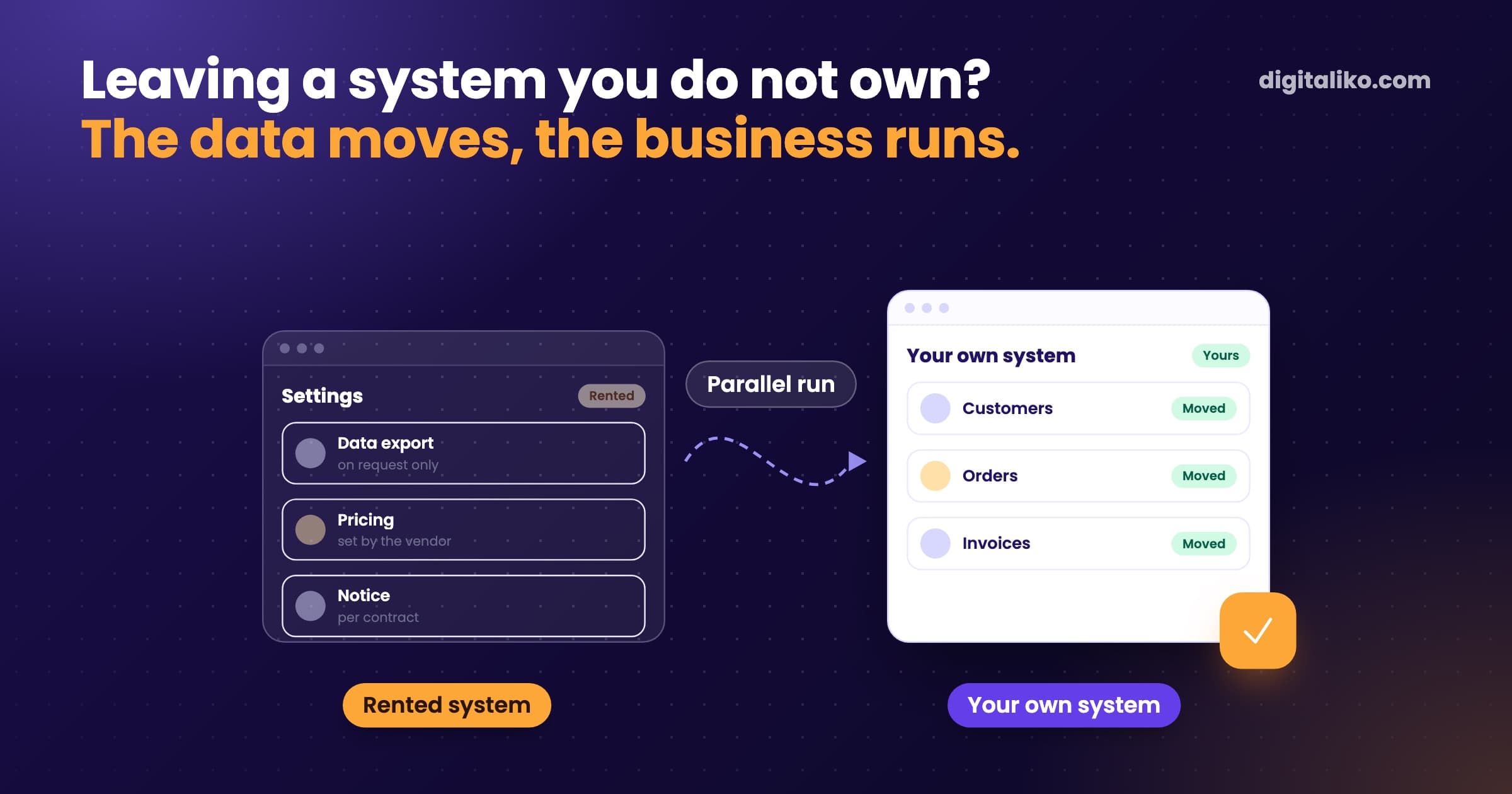
| Data | With the vendor, exported on their terms | Yours from day one, code and infrastructure too |
| Main risk | The vendor raises prices, changes the product or shuts down | You depend on whoever maintains it, so the code must be yours |
How to tell that a vendor holds you more than you want is in our article Vendor lock-in: the warning signs.
Can an off-the-shelf TMS be combined with your own system?
Yes. There is a third path between the box and your own system. Keep the off-the-shelf TMS for invoicing and documents. Next to it we build only the part it cannot do, and connect both. That is usually the cheapest way to start.
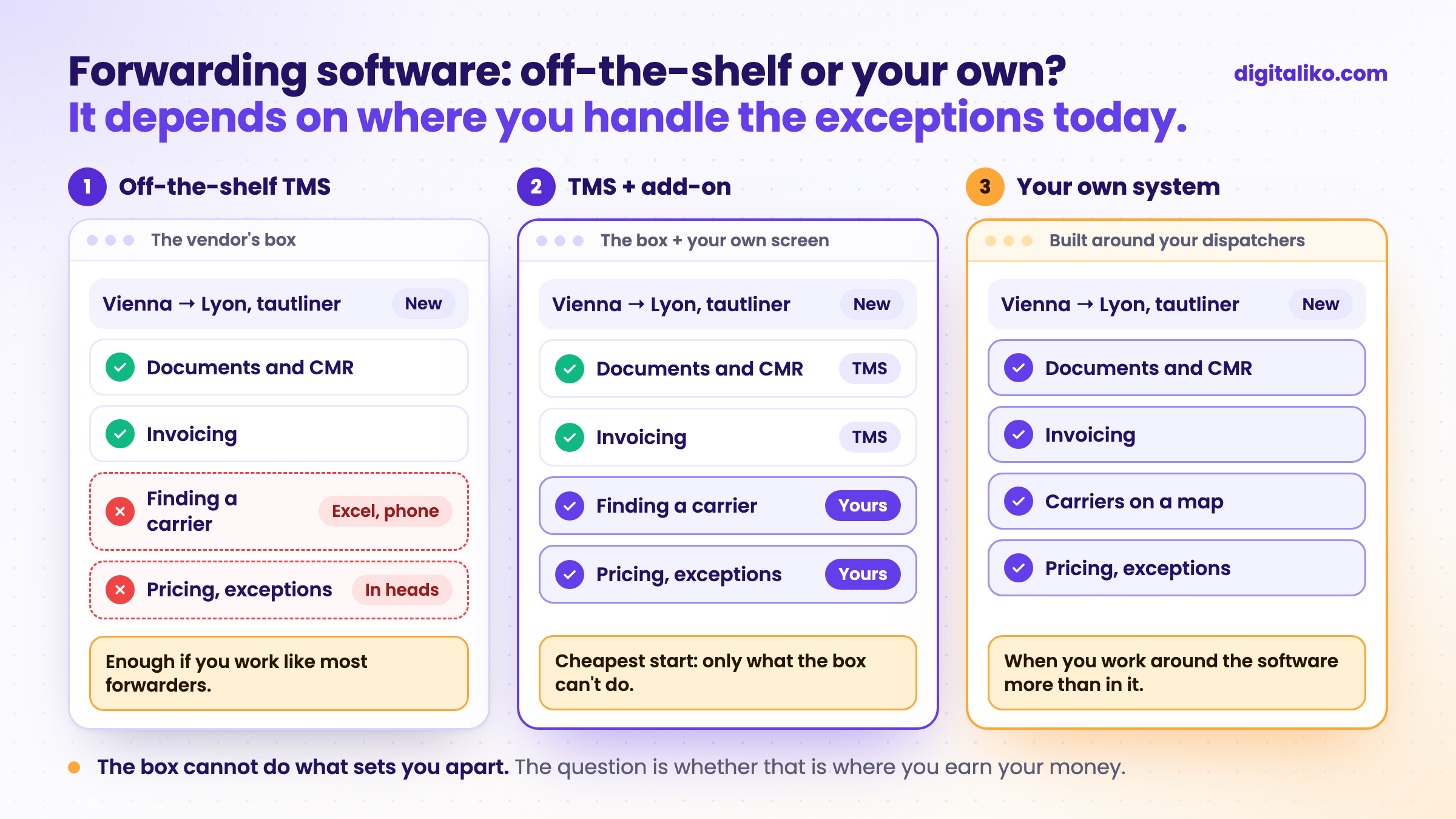
The diagram shows the same order in three systems. The difference is not in documents or invoicing. It is where the dispatcher finds a carrier, and where pricing and exceptions live.
How to decide: 5 questions
Tick what is true for you. Every unticked item is a point for your own system, or at least for an add-on next to the box.
Try the first month. If we miss what we wrote down, we refund 50 %. Monthly subscription from €3,980 excl. VAT, pause or cancel any time. Or a fixed price per project: tell us what you need and we send you a quote. Code, data and infrastructure owned by the client from day one. No per-user fee.
What it looks like in practice
For the freight forwarder KIABA we built and run their system. Their forwarders used to look for carriers by hand in spreadsheets, old emails and phone calls. Today all carriers are in one place, on a map, with filters.
We did not start with a whole TMS. This was the order:
01
The one job that slows sales the most
Here it was finding a carrier.
02
All carriers in one place
On a map, with filters, instead of spreadsheets, emails and phone calls.
03
Fill it with data
A map only helps once the carriers in it have current details.
04
Only then the next part
The next parts came only after the first one.
The speed-up did not come from AI. It came from the map, a radius filter and a search that finds "Žilina" even when typed without diacritics. We turned down "one click to every freight exchange". The data had to be in one place first.
If you have AI but no data, it has nothing to decide on.

To be honest: the first version stayed half-empty for a long time. A system is only as good as its data, and filling it in takes time dispatchers often don't have. Plan for that from the start.
The rights to the code and the data belong to the company. If they leave us, they get the code, the documentation and the access. How we replaced their shared Excel is in the article Shared Excel for multiple users: why it breaks.
We build systems like this as custom software development. Since 2023 we have shipped 15+ production projects.
When we don't recommend it
- You work like most forwarders. Standard shipments, few exceptions, nobody keeps their own Excel. An off-the-shelf TMS is enough.
- You have not set up the box properly yet. First see what it can do. Configuration is cheaper than a new system.
- You want a whole TMS in month one. Nobody can deliver that honestly. We start with the one screen that saves the most time.
- None of your dispatchers has time to show how they work. Your own system is built on their process. Without it we would build another box.
Not sure whether the box or your own system?
Tell us what your dispatchers handle outside the system today. We get back to you within two business days, and together we pick what to fix first. We will also tell you if a better configured box is enough.
If you'd rather talk first, book a 15-minute meeting with Filip.
What in your forwarding business runs outside the system today?
In short
- An off-the-shelf TMS is enough while you work like most forwarders and exceptions are rare.
- Your own system pays off when you make your money on what the box cannot do: price, speed of reply or your carrier network.
- The cheapest start is often an add-on: the box stays for invoicing and documents, and next to it we build only what it cannot do.
- We start with the one screen that saves the most time. Code and data are yours from day one.
Frequently asked questions
What is freight forwarding software (TMS)?
A TMS is a transport management system. It holds orders, carriers, prices, documents and shipment status. Off-the-shelf TMS tools charge per user per month; your own system is built around how your dispatchers work.
When is off-the-shelf freight forwarding software enough?
When you work much like other forwarders and exceptions are rare. A boxed system cannot do what makes your company different. If you can handle those exceptions by hand without stress, you do not need your own system.
When does a custom system for a forwarder pay off?
When you spend more time working around the software than working in it. Typically in carrier search, pricing or communication that works differently at your company than at your competitors.
Can an off-the-shelf TMS be combined with a custom solution?
Yes, and it is often the best start. The boxed system stays for invoicing and documents. Next to it we build only the part it cannot do, and connect the two.
Who owns the data in a custom forwarding system?
You do. Code, data and infrastructure are owned by the client from day one. If you ever change vendors, you get the code, the documentation and the access.
Ask AI about this article
The AI also draws on our other articles and experience from real projects.
ChatGPTClaudePerplexity